Navigating to Quality Order Collections
In IAQ, you can create quality orders for inventory, purchasing, production, and sales. Depending on the type of order, navigate to the correct quality order collection when entering attribute values.
Inventory - Maintain Quality Order for Inventory Lot Collection
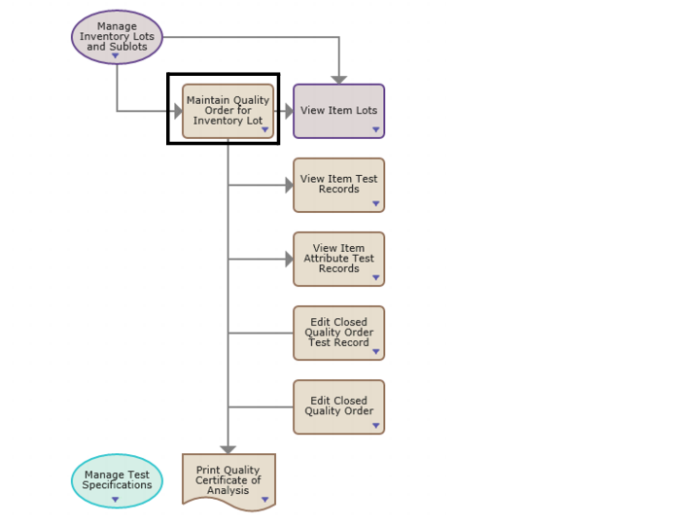
For inventory orders, select Maintain Quality Order for Inventory Lot from the Inspect Inventory process map.
Process Map - Inspect Inventory
Purchasing - Maintain Quality Order for Purchasing
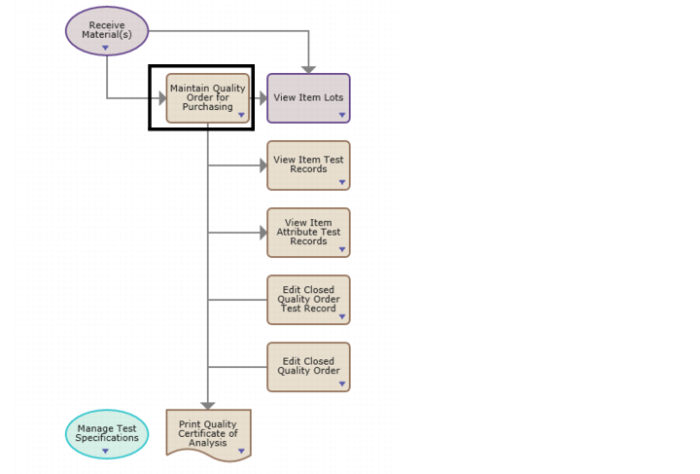
For purchase orders, select Maintain Quality Order for Purchasing from the Inspect Purchasing Receipts process map for orders created by purchase receipts.
Process Map - Inspect Purchasing Receipts Purchasing
Production - Maintain Quality Order for Production
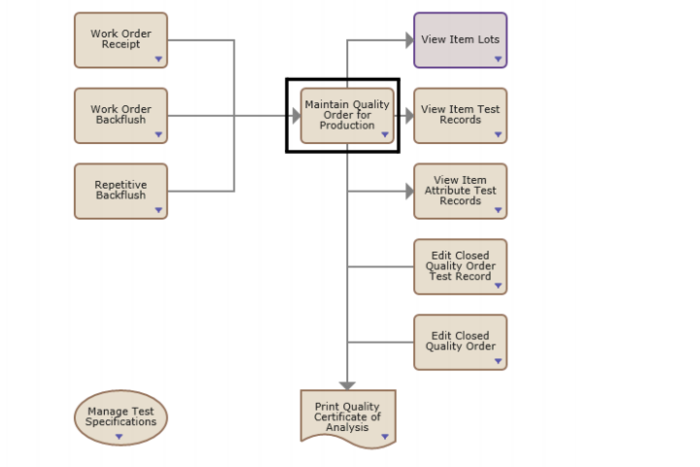
For production orders, select Maintain Quality Order for Production from the Inspect Production Receipts process map for orders created by work order and CUM order receipts.
Process Map - Inspect Production Receipts
Sales - Maintain Quality Order for SO Line
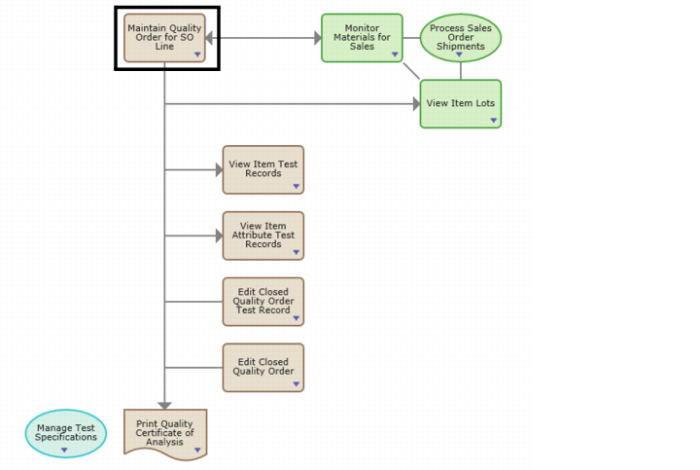
For sales orders, select Maintain Quality Order for SO Line from the Inspect Inventory for Sales process map for orders created for an item lot and sales order line.
Process Map - Inspect Inventory for Sales