QAD 2017 Enterprise Edition
>
Introduction to Enterprise Applications
>
Introduction
>
User Interface Management Programs
User Interface Management Programs
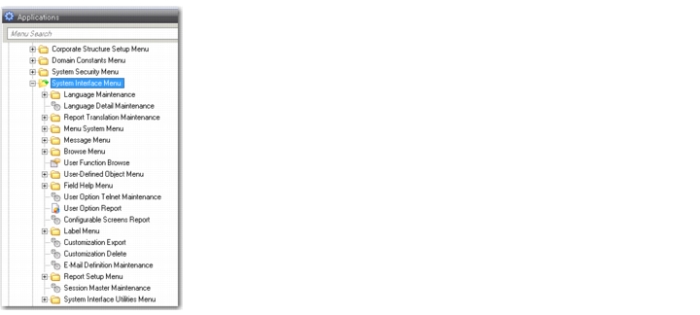
Several user interface management programs are intended primarily to let system administrators modify various aspects of the user interface. Most of these programs are provided on the System Interface menu (36.4). The System Interface menu contains programs that control menus, screen labels, messages, multi-language installations, and help. You can set up user function keys, define your e-mail system, and specify login scripts.
System interface functions also include programs for creating browses and associating them with fields and programs, and managing stored browse data. In addition, you can also define alternate programs to execute when menu items are selected and specify programs to be run from other programs.
For customization purposes, you can set up user-defined fields for both non-component and component-based programs.
See
QAD System Administration User Guide for more information on the design mode for Financials functions. Configurable screens for the QAD .NET UI programs are described in
QAD .NET UI Administration Guide.
System Interface Menu