QAD 2017 Enterprise Edition
>
User Guides
>
Master Data
>
Physical Inventory
>
Entering Initial Tag Counts
Entering Initial Tag Counts
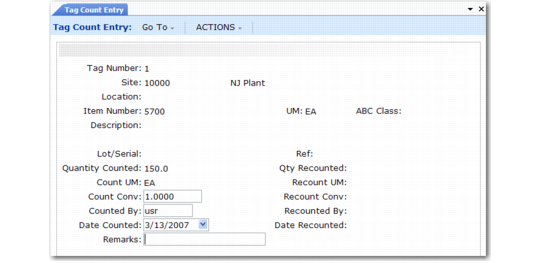
After counting tagged items, enter the count in the system using Tag Count Entry (3.16.11). Tag Count Entry accepts all quantities, even those that are out of tolerance. Enter any changes resulting from post-freeze inventory transactions. At this point, only the frozen inventory quantities are updated.
Example: The frozen quantity of Item Z is 100. After inventory freeze, 50 units of Item Z are issued. The inventory count shows 47 units of Item Z on hand. Enter a count quantity of 97 (50 + 47).
Tag Count Entry (3.16.11)