Uploading Unit or Total Cost Adjustments
When you make adjustments, use one of the following programs to upload the adjustment to Periodic Costing:
• PC Total Cost Adjustment Upload (30.5.5.5)
• PC Unit Cost Adjustment Upload (30.5.5.4)
• WO Component Cost Adjustment (30.5.5.13)
• WO Operation Adjustment (30.5.5.14)
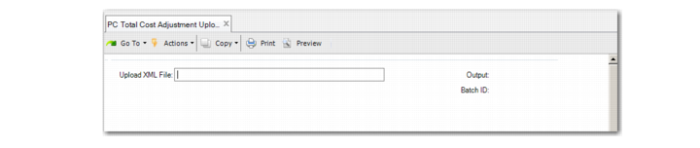
You enter the XML file with schema to upload the adjustments; then press Go. The system displays detailed error messages when you use the XML file to upload the adjustments. For failures when loading from XML files, the system displays an error message and does not perform the transaction.
You find the rate or total for each cost center, then upload the actuals for labor and burden for each individual work center.
The following depicts the adjustment upload program for PC total cost adjustment, but the screen is similar for the upload program for PC unit cost adjustment.
PC Total Cost Adjustment Upload (30.5.5.4)