QAD 2017 Enterprise Edition
>
User Guides
>
Planning and Scheduling Workbenches
>
Overview
>
Common Workbench Elements
Common Workbench Elements
You can interactively control the workbench behavior and content, such as the panels that display, data filters, and business rules. You can save your customized workbenches layout as a View and invoke it on demand, based on the type of scheduling you are performing.
When you make selections within some panels, the system displays supporting information related to the record selected in the supporting tabs. This information is detail information; for example, demand detail records, supply detail records, item transaction history, item inventory details, bill of material, and routing. Also, when you make changes or create new data in some panels, data in other panels changes to reflect the new data.
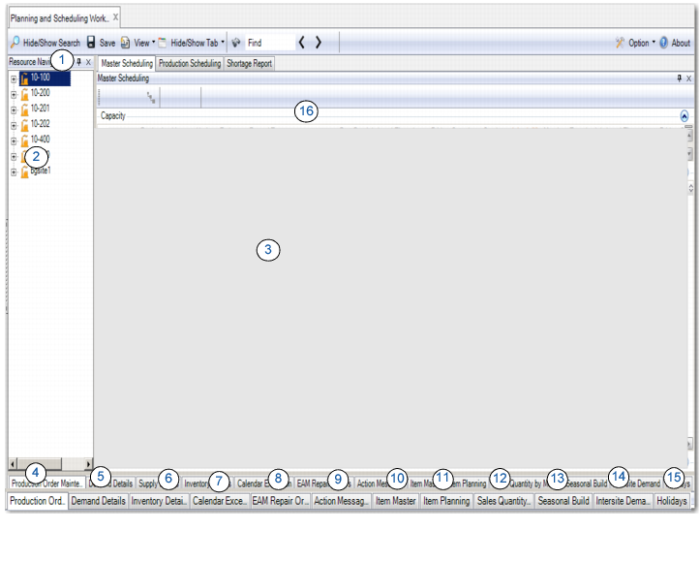
The following depicts areas that are common to both MSW and PSW.
Common Scheduling Elements