Revenue Recognition Transaction View
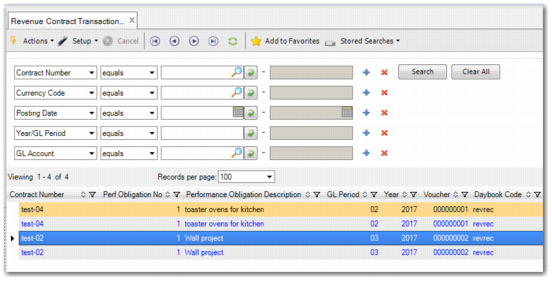
Revenue Recognition Transaction View (37.1.20) enables you to see a sub-ledger transaction view of revenue contracts. You can search for transactions using the filters. The filters correspond to some of the column fields in the browse. For example, the transaction lines in the browse grid contain columns with information such as:
• Revenue contract number
• Performance obligation number
• Performance obligation description
• GL Account and other analysis
• Debit and credit amounts in base, transaction, and statutory currencies
• Revenue recognition daybook information
• Transaction posting date and GL year and period information
Revenue Contract Transaction View