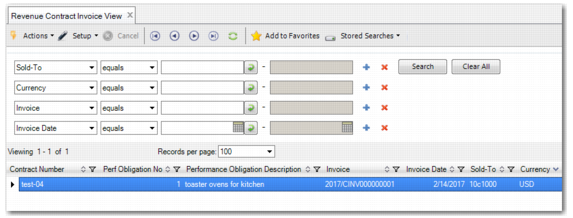
Revenue Contract Invoice View
Revenue Contract Invoice View (37.1.21) allows you to view the invoices created for orders linked to revenue contracts. You can search for transactions using the filters. The filters correspond to some of the column fields in the browse. Each line in the grid displays information concerning the invoices and how the invoices are linked to the performance obligations on the revenue contract, such as:
• Revenue contract number
• Year, daybook code, and voucher number for the invoice
• Domain code
• Customer code
Note: You can right-click an invoice line and select Revenue Contract Transaction View to display the revenue recognition transactions that have been created for the revenue contract.
Revenue Contract Invoice View