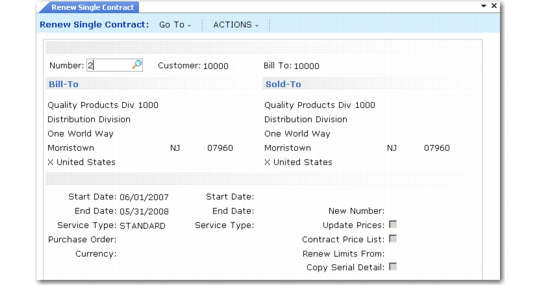
Renew Single Contract
Use Renew Single Contract (11.5.13.8) to renew one fully billed contract.
Renew Single Contract (11.5.13.8)
To renew a contract, specify its number in the header. The new start date defaults to the first of the month following the current end date. The system bases the End Date value on the existing contract’s duration. Service Type also defaults from the existing contract but can be changed.
Renew the contract with a new number. If you leave New Number blank, the system uses the next available number. If prices or price lists have changed since you generated the previous contract, the system can update prices. Renew Limits From defaults from the source contract, but you can change it. You can also copy serial detail associated with a contract line. This is typically set to Yes during renewal.
If the new contract should have a different currency, specify it in the Currency field and set Update Prices to Yes to calculate prices in the new currency.