QAD 2017 Enterprise Edition
>
User Guides
>
Sales
>
Shipping
>
Viewing Shipper Information
Viewing Shipper Information
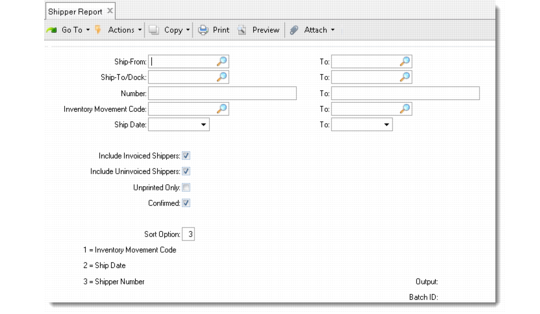
Use the Shipper Report (7.9.16) to review detailed information from shipper documents.
During shipment transactions, shipper numbers are written to inventory transaction history. Correspondingly, the related invoice number is stored in the shipper record. This link is displayed on the Shipper Report.
You can include shippers:
• For which invoices have been generated
• For which invoices have not yet been generated
• Not yet printed
• Unconfirmed
You can set any of these options or any combination of these with the exception of Unprinted Only. This option cannot be enabled with any other option.
Shipper Report (7.9.16)
Select shippers to report by range of ship-from address, ship-to/dock address, number, inventory movement code, or ship date. Depending on the sort by option, each report can be sorted by inventory movement code, shipment date, or shipper number.