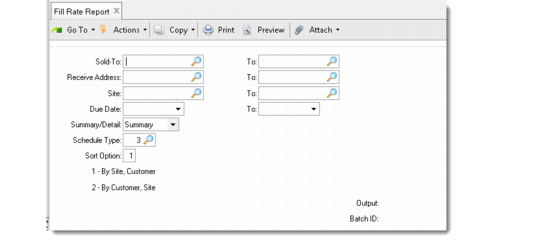
Fill Rate Report
Use Fill Rate Report (7.9.19) to calculate and display the delivery performance based on the due date. The delivery performance measurement is expressed as two percentages:
• Number of lines with a quantity to be shipped compared to the total number of lines
• Quantity of items shipped compared to the order quantity
Both percentage calculations are based on the due date. The performance and required dates are not considered.
The summary report provides data based on the selected sort option. The detailed report provides the summary and additional information about each order line selected.
Fill Rate Report (7.9.19)