Viewing Shipment Status
Use Shipper Detail Status Browse and Shipper Detail Status Report to view and track the status for shipments and generate reports.
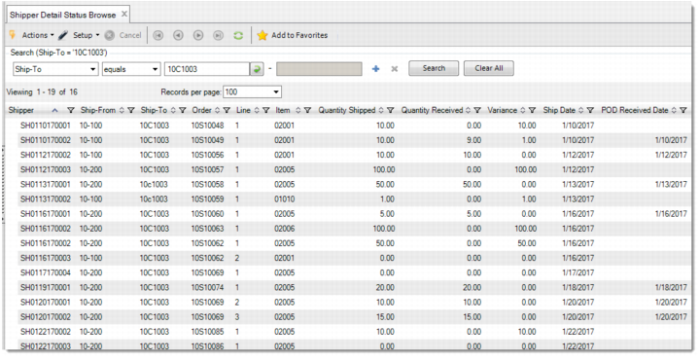
Shipper Detail Status Browse
In Shipper Detail Status Browse, you can:
• View shipper content details and status about shipped quantity/date, received quantity/date, invoice number.
• Filter out the concerned records and export to a file.
• Generate a report.
• Generate a chart for analysis.
Shipper Detail Status Browse
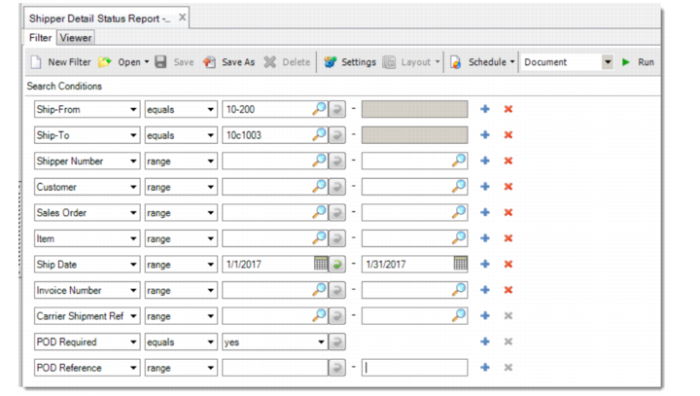
Shipper Detail Status Report
Use Shipper Detail Status Report to generate status report. You can filter the records by the following criteria:
• Ship-From
• Ship-To
• Shipper Number
• Customer
• Sales Order
• Item
• Ship Date
• Invoice Number
• Carrier Shipment Reference
• POD Required
• POD Reference
Shipper Detail Status Report