Generating SB Shipment Report
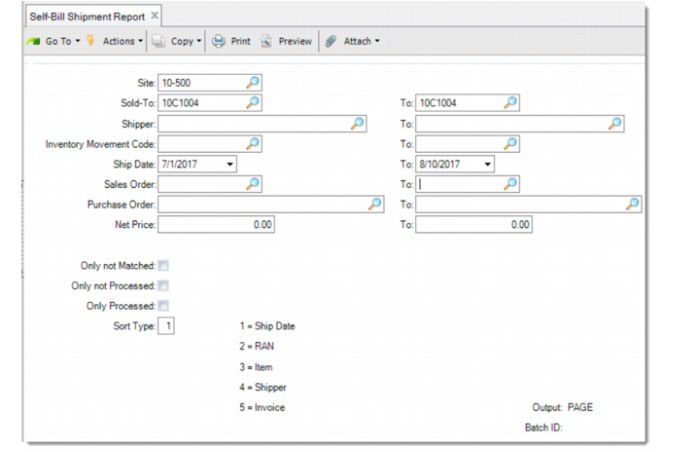
You can generate a self-billing shipment report using Self-Bill Shipment Report.
Self-Bill Shipment Report
In addition to the selection criteria, you can further restrict the report using process status options:
• Only not Matched: If selected, only shippers not matched with a self-billing invoice are included in the report.
• Only not Processed: If selected, only unprocessed shippers are included in the report. The shipper has not been used in any matching with any self-billing invoice.
• Only Processed: If selected, only processed shippers are included in the report. The shipper has been used in some matching with self-billing invoice.
Note: You can also use Self-Bill Unmatched Shipments Report to report only the unmatched shipments.