Printing Pickup Sheets
Use Pickup Sheet Print (5.5.3.21) to print or reprint pickup sheets that will go with the vehicle/carrier for the supplier network/milk run route.
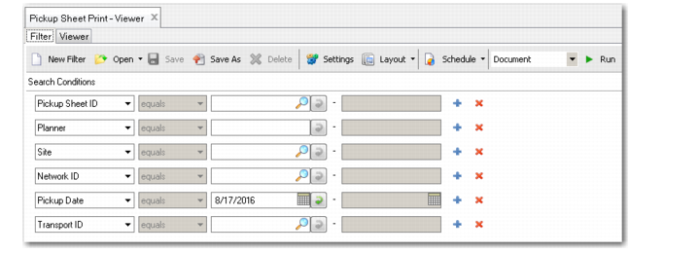
Use the filter criteria to select one or more pickup sheets. If you enter a value in Pickup Sheet ID, you cannot enter values in any other fields.
If you enter a value in Network ID, you must also enter a site.
The printed pickup sheet includes such information as:
• Pickup sheet capacity data, including both current and available weight/volume
• The sequence in which the truck will arrive at the different suppliers and the summarized number of containers expected to be picked up at each supplier
• A detailed containerization section, which shows the contents of containers (multi-level containers, items) with descriptions and quantities
• A detailed item section that shows all the item quantities being picked up for each supplier
• An Additional Quantities section that shows any additional future quantities that were pulled forward onto a pickup sheet as a result of an optimization rule
Pickup Sheet Print