Label Print Status Update
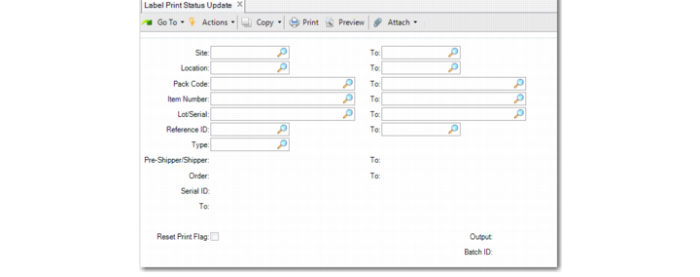
Use Label Print Status Update (3.3.4) to view or update printing status of serial IDs.
You specify item, site, location, lot/serial, reference, pack code, and order. Then optionally enter the pre-shipper or shipper and the serial ID ranges.
Set Reset Print Flag to Yes to reset the print flag of the serial IDs in the range so that the inventory data of the serial—such as item, site, lot/serial—is editable again. If the field is set to No, you can only view whether the serial ID is printed.
Label Print Status Update (3.3.4)
Other fields are described under other program descriptions.