Queue Delete
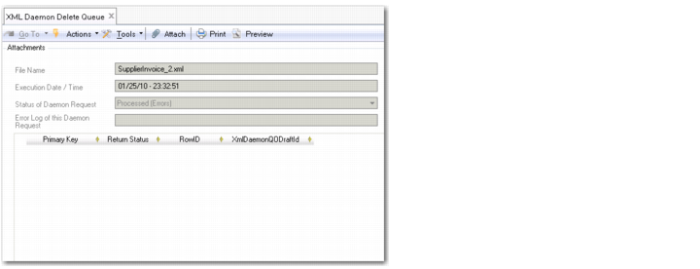
Use XML Daemon Delete Queue (36.14.16.6.7) to delete individual queue entries for the XML daemon. When you open the window, a browse displays where you can enter criteria to refine your search. Double-click on a queue record to open it in the XML Daemon Delete Queue screen.
Click on the Delete button at the bottom of the screen to delete the queue request.
XML Daemon Delete Queue
Running Daemons on the Command Line
The application control program, applicationcontrol.p, can be used to start and stop system daemons on the command line, without launching the application interface. Use daemon-specific parameters to start and stop daemons, and display limited daemon status.