Input Data Types
Input data is information that you would normally enter from your terminal. The manner in which you enter information in an input file depends on the type of information the field is set up to handle. There are four types of input data:
• Character fields can be alphabetic or numeric but have no mathematical operations applied to them. Descriptions (alphabetic) and customer codes (numeric) are examples of character fields. Surround descriptions with double quotation marks (“ ”). The description is accepted without quotation marks, but may be interpreted as more than one input. If there is a space in the description, you must use quotation marks.
• Fields used in mathematical operations are numeric values. They can contain a decimal point (.) or a negative sign (–), but no other symbols, including commas (,) and dollar signs ($) are allowed. Do not use quotation marks for numeric values.
• Logical fields use Yes/No values and do not require quotation marks.
• Format date fields the way they are formatted in the source field.
Determining Data for the Input File
Each program contains one or more entry groups. Each entry group consists of one or more data entry fields in which data can be entered before clicking Next.
Example: In Site Maintenance (1.1.13) there are four entry groups, corresponding to the number of times you must click Next. Although direct correspondence between entry groups and frames is normal, it is not required. The four entry groups are:
• Key field group—site code
• Site data
• Selection option
• Domain data
Each entry group corresponds to one line in a CIM file.
While navigating a program to determine field groupings, use the Tab key to move from field to field, rather than the Return key. The Return key works like the Tab key in all fields except the last field in an entry group, where it executes the Next command. This can be misleading in determining which fields belong to an entry group.
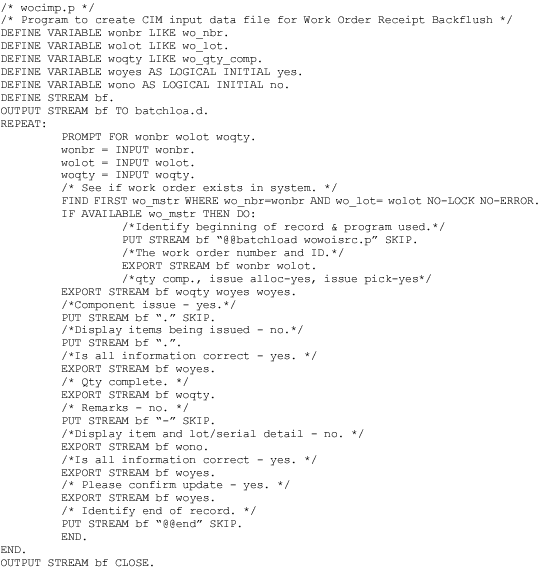
CIM Data Input File Example