UDFs and Design Mode
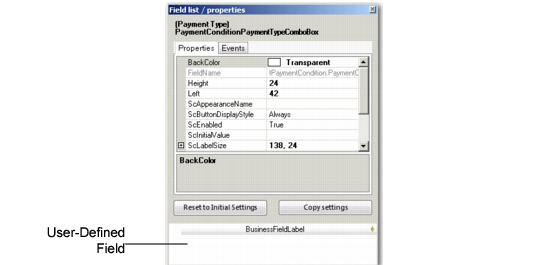
Use design mode to add UDFs to the appropriate screen. When you create a UDF for a component, it is stored in the BusinessFieldLabel pane of the design window.
To add a UDF to a screen, select it and drag it from the Business Field Label section to its new position on the screen.
Field Properties Tab with UDF