QAD 2017 Enterprise Edition
>
User Guides
>
Warehousing
>
Labor Management
>
Recalculating User Task Time
Recalculating User Task Time
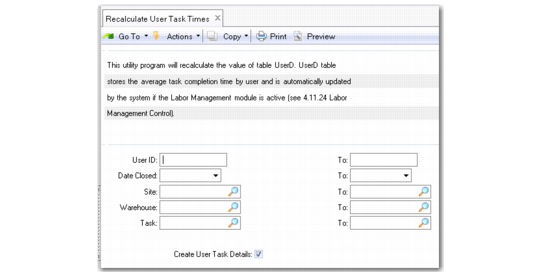
Typically, the system calculates task time automatically when the Labor Management module is active. System administrators can use Recalculate User Task Time (4.25.13) to recalculate user task time that the system stores in the UserD table.
Note: Set Active to Yes in Labor Management Control (4.11.24) to activate the Labor Management module.
Calculating task time can be time consuming as the system recalculates every time a task is closed. To save time, system administrators can deactivate the Labor Management module by setting the Active field to No in Labor Management Control, then run the Recalculate User Task Time utility to recalculate user task time in batch mode. Optionally, system administrators can create user task details in the utility.
Recalculate User Task Time (4.25.13)