Changing Workspace
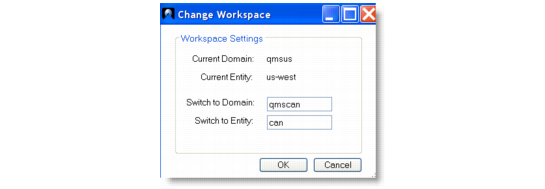
If the change workspace feature is enabled, you can switch the current domain and entity your Excelerator worksheet is currently working with.
The current workspace for the worksheet is displayed in the Workspace group under the QAD Tools tab.
Current Workspace
Click the Change Workspace button to switch to another domain and entity. Any Query QAD and Update QAD requests use the new domain and entity combination. The workspace group is updated to display the current domain and entity of the worksheet.
Change Workspace