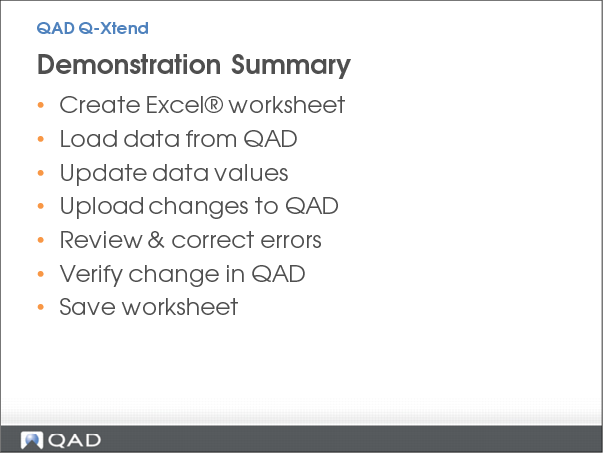
Demonstration Summary
In this demonstration, you will see how QAD Q-Xtend helps you load static or transactional data, without needing any custom load routines.
Begin by taking a group of products that need to be re-categorized. Use Q-Xtend to create a pre-formatted Excel worksheet, pull the existing data from the QAD Enterprise Application, make your changes and load them back into QAD.
During the process, you will see how Q-Xtend captures and displays errors, as well as how it updates the data in QAD immediately.
Key Points
• Create Q-Xtend formatted Excel worksheet
• Download data from QAD
• Upload changes to QAD
• Review and correct errors
• Verify change in QAD