Prepare the Installation
7 If you have downloaded the installer, double-click QXtend.exe.
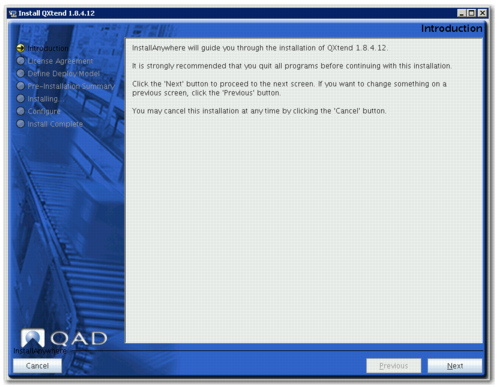
The installer is extracted and the Introduction screen displays.
Introduction Screen
8 Click Next. The License Agreement screen displays.
9 Scroll to the end of the license agreement.
10 Select the “I accept the terms of the License Agreement” option, then click Next.
Note: The option to accept the license agreement is enabled only when you scroll to the bottom of the agreement.
The Log File Directory screen displays.
11 Accept the default location for the install log files (C:\instlog), or enter a different path.
12 Click Next. The QAD Deployment Configuration Service screen displays.