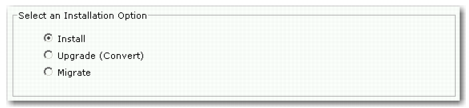
Specify Install, Upgrade, or Migrate
To perform an installation, verify Install is selected, click Next, and continue to
Installing QXtend.
Specify Install, Upgrade, or Migrate
To upgrade components of an existing QXtend installation to the current QXtend release, select Upgrade, click Next, and go to
Upgrading QXtend.
To migrate the existing application data from a previous QXtend installation to the current QXtend release, select Migrate, click Next, and see
Migrating QXtend.
Note: You must have completed a successful installation before attempting to upgrade the QXI servlet, QXO database, or QXO events database components.