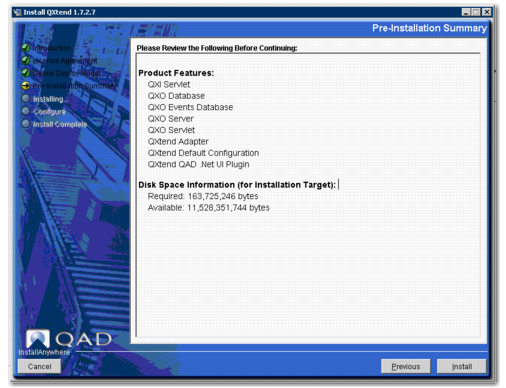
Review the Pre-installation Summary
The Pre-installation Summary screen lists the components selected for installation, upgrade, or migration and displays disk space information.
Note: If no components were selected on the current host, a message appears. Move to each host that is part of the installation and point to the configuration you have created.
Pre-installation Summary
Review the information and click Install to continue with the installation, upgrade, or migration.
When the install, upgrade, or migration finishes, proceed to
Review the Installation Summary.