QXO Configuration
Introduction
QAD QXtend Overview described the basic components and concepts underlying QXO. However, it did not describe how to set up and configure QXO. This section describes each component in detail and their configuration and management.
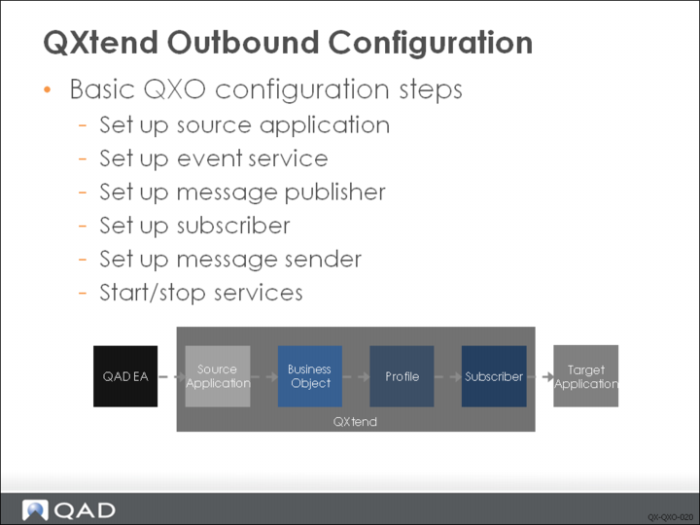
Several steps must be followed to configure QXO to ensure that events raised by the source application are selected and published to interested applications. In addition, the services and components that drive QXO need to be created and running. The following tasks must be performed:
1 Set up the source application. The source applications provide details of the data source for messages, including the events that are active and how to connect to the source application databases.
2 Set up an event service. The event service extracts business object data from the source application after an application event has occurred.
3 Set up the message publisher. The message publisher is responsible for converting the business object message into the format that is required by the profiles defined for the business object.
4 Set up the message sender. The sender delivers the profile message to the subscribing application.
5 Start/stop services. The event service, message publisher, and the message sender are crucial services that must be running for QXO to function correctly. These services can be started and stopped manually in the QXO application.
This chapter describes these tasks.