Email Service
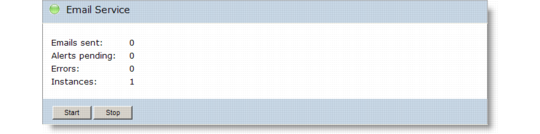
Use the Services|Email Service option on the Dashboard to view information about the existing e-mail service, such as e-mails sent, alerts pending, and so on. Use the Start and Stop buttons to control the e-mail service as required.
Email Service
Note: If you stop an e-mail service, the e-mail service stops during the next poll, according to the configured poll frequency. This can result in a delay between issuing the Stop command and the service registering the stop request. The longest possible delay is equal to the configured poll frequency.
For details about services, see Viewing Specific Services.