Copying or Deleting Data Objects
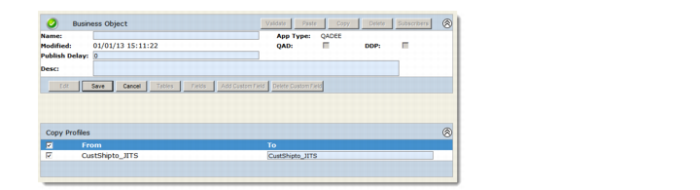
You can copy a data object and its profile from one business object and paste them into another. This eliminates configuration steps where multiple business objects such as sales orders, invoice history, and customer all share a data object such as addresses. You can also delete data objects if they were copied into the wrong business object.Note: Data objects cannot be copied to or deleted from business objects that employ DDP.
Copying a Data Object and Its Profile
1 While the source business object is in edit mode, select the source data object in the left-hand navigation tree.
2 In the Data Object frame, click Copy.
3 Use the navigation tree to open the target business object, and data object, as necessary.
4 In the target business object Data Object frame, click Paste. The copied data object is pasted in.
5 To delete a data object from a business object, open the data object using the navigation tree. Click Delete in the Data Object frame.