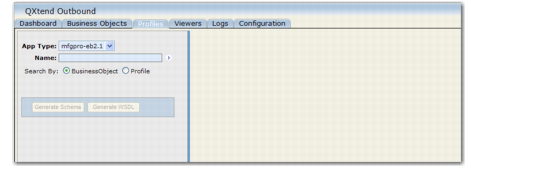
Select the source application type from the drop-down list. Source applications are defined in the Configuration tab. See
QXO Source Applications. The last selected value is saved and used as the default entry the next time this screen is viewed.
Use the Name field to find profiles to view or update. Click Business Object to search by business object names; click Profile to search by profile names. See
Filtering Names.