Edit Failed Submissions
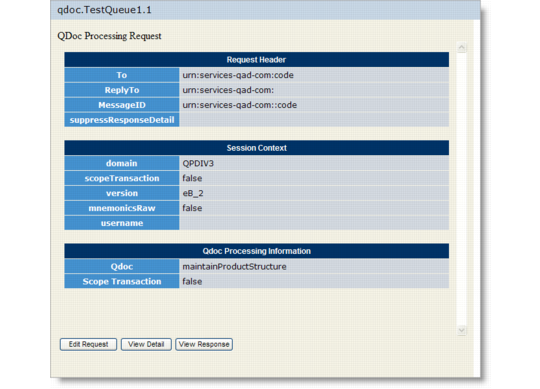
If you are viewing a request document with an Error status, you can display the document in an editing window. You can edit the XML and resubmit the document to the queue.1 Select either the request or response document name in the queue. The summary view opens.
Summary View of an Error Status QDoc
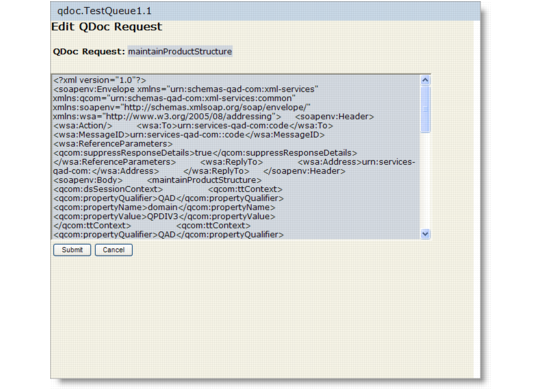
2 Choose Edit Request to open the XML editor.
XML Editor for Error Status QDocs
3 Select the QDoc text and make changes to the QDoc as required.
4 Choose Submit. The message “Request re-submitted successfully” displays. The document is immediately updated in the queue. Review the related response document for further error checking.