Viewing the Connection Pool Log
When a connection pool is launched, connectionPools.log is created in:TOMCAT_HOME/webapps/<QXI webapp>/WEB-INF/logs
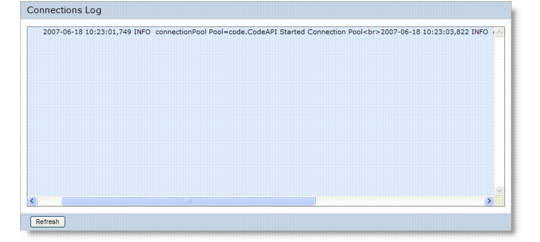
This log tracks the Connection Pool Manager and connection pools over a progression of reporting levels—error, warning, info, and debug.The error level is controlled by modifying the level value for the logger name connectionPool in qxtendlogging.xml. By default, the level is set to Info. See Log Report Levels for information on reporting levels.To view the connection pool log in Connection Pool Manager:1 From the Connection Pool Manager Functions menu, choose View Log. The log displays.
View Connection Pool Log
2 Scroll down to view the most recent entries.