Save
This option saves the information that has been mapped during the session. You can save incomplete program run-throughs as well as completed ones.
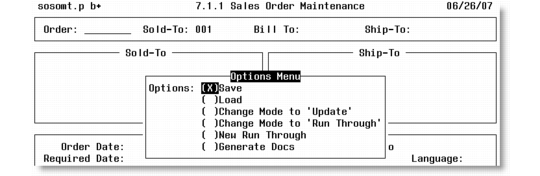
QGen Options Menu on Save
1 Press spacebar to select Save if it is not already selected.
2 Press Go to save.
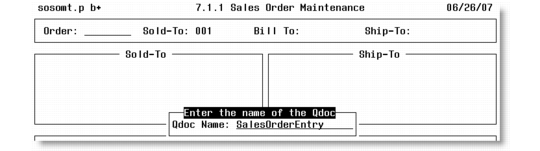
3 You are asked to enter the name of the QDoc. Use humpback notation; for example, SalesOrderEntry.
QDoc Save Frame
4 Press Go to save the QDoc information. The message “Finished saving data” displays. The QDoc information is stored in a .dat file—for example, SalesOrderEntry.dat—in the <QXtend adapter>/tools/datFiles/ directory. Any QAD-supplied standard QDoc files under <QXtend adapter>/tools/datFiles/standard/ remain intact.