Define the Receivers
After planning which data to synchronize, the first implementation step in QXtend Inbound is to define your receiver or receivers. Receivers are named QAD Enterprise Applications instances. You need to define a receiver for each QAD Enterprise Applications database. Each receiver can supply data to multiple domains in the database.
Use the Configuration Manager in QXI to:• Create a receiver for each destination database to receive data
• Assign QDocs to each receiver
For details about these steps, see Inbound Receivers.Create a Receiver for Your Domains
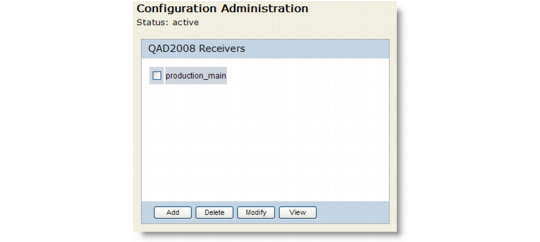
Use the Configuration Administration screen (Configuration|Receivers) to create a new QAD2008 receiver for the destination database.
Add a Receiver
Click Add to add a new receiver. The name of the receiver should match the name of the QXI Connection Pool name. If you are running QXI you are prompted to suspend the application while adding the receiver.Choose Next to display the list of available QDocs.Assign QDocs to the Receivers
In the Configuration Administration screen indicate which QDocs you want to assign to the receiver. The QDocs that display are part of the standard set that is supplied with QXI. Click Done when you have finished assigning the QDocs. If you suspended QXI you should restart it.