Trailer Codes
Sales Orders frequently have miscellaneous charges associated with them. You set up codes for these charges in Trailer Codes Maintenance.
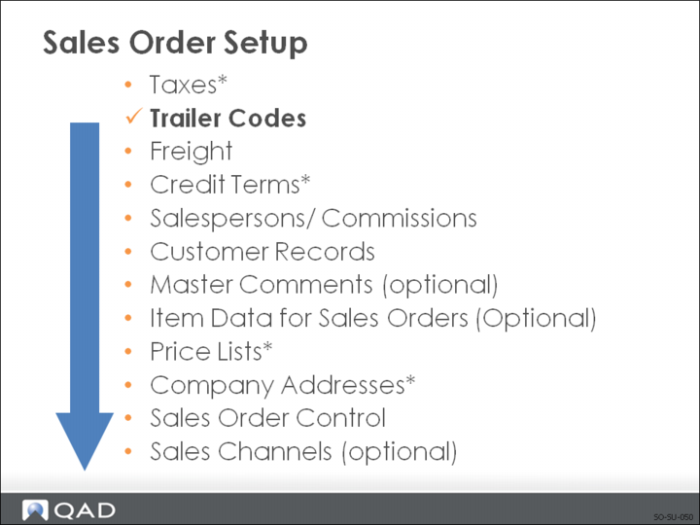
Trailer codes must be set up:
• After Tax Rates because some trailer items are subject to taxation
• Before Sales Order Control so you can specify frequently used codes as defaults
• Before entering sales orders so these charges can be accessed during order entry
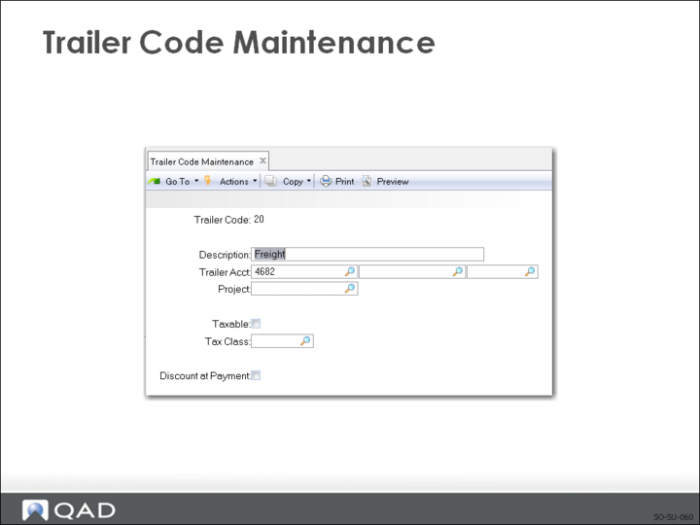
Trailer Code Maintenance
Companies can set up miscellaneous charges for items such as:
• Freight
• Service
• Special charges
Note: Trailer amounts are not part of a total Sales Order discount. Trailer items are not subject to commission.
Accounts
Trailer accounts specify a GL account, and can include a sub-account and or cost center.
Project
• Optionally the trailer amounts can be tracked to a project code.
Taxes
Taxes are calculated automatically by the system. Trailer codes can be marked as taxable and associated with a GL account.
• GTM
• Enter the tax class of this trailer code
Once Trailer Codes are established, the three most frequently used taxable and non-taxable codes can be specified as defaults in Sales Order Accounting Control.
• These defaults display on the trailer of every order but can be changed manually during sales order entry and shipments.