Sales Quotes Setup
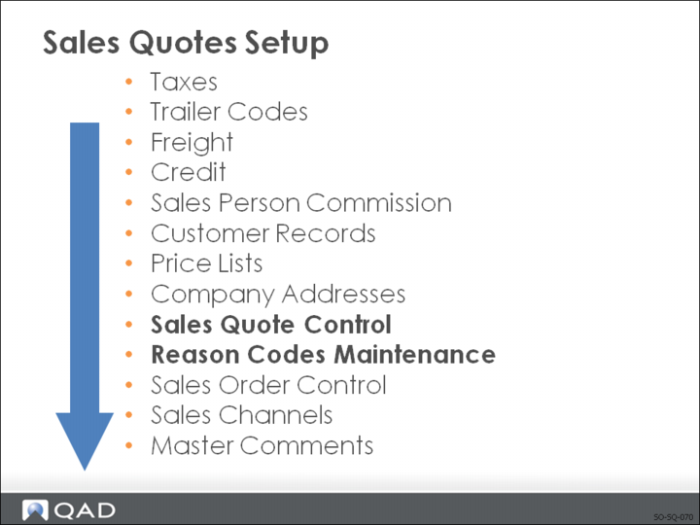
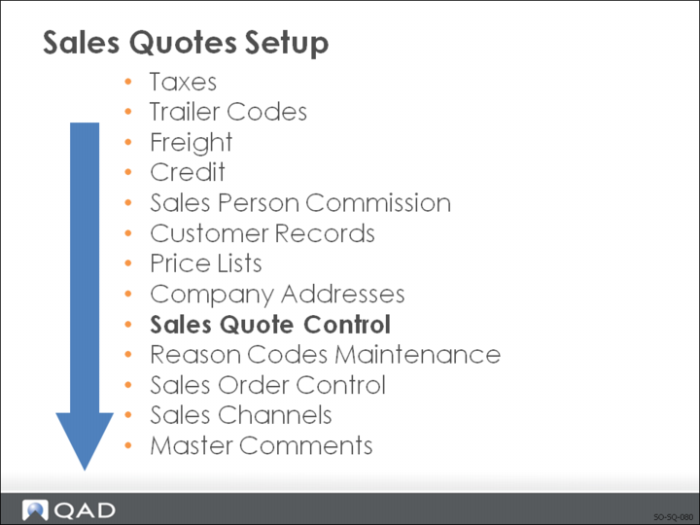
This is a suggested setup sequence of the master data for sales quotes. This sequence is based on:
• Information that flows from one master table to another
• Prerequisites that need to be accomplished before setting up data
Note: Because the majority of this information has already been discussed in
Sales Order Setup in this section we cover only:
• Sales Quote Control
• Reason Codes Maintenance
Sales Quote Control
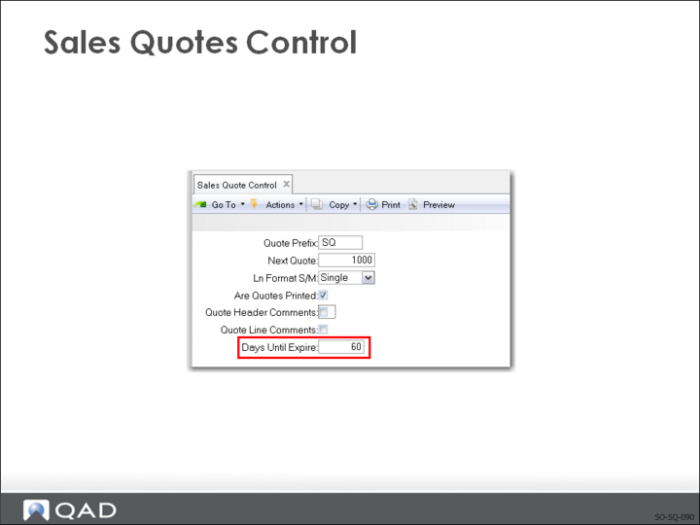
Sets defaults for the way sales quotes are entered and what appears on them.
Quote Prefix and Next Quote:
When the system generates a sales quote, a prefix of up to three characters is used
• A new number is created by combining the prefix with the Next Quote number
Note: Sales quotes and sales orders are often numbered differently to reduce confusion.
Are Quotes Printed?
Set to Yes if you want quotes to be printed
Note: This becomes the default print setting in Sales Quote Maintenance
• This field can be changed manually for a specific sales quote in Sales Quote Maintenance
• Only sales quotes with the print field set to Yes are printed by Sales Quote Print
Days Until Expire
If quotes normally expire within a certain time limit, the number of days can be set in the Days Until Expire field.
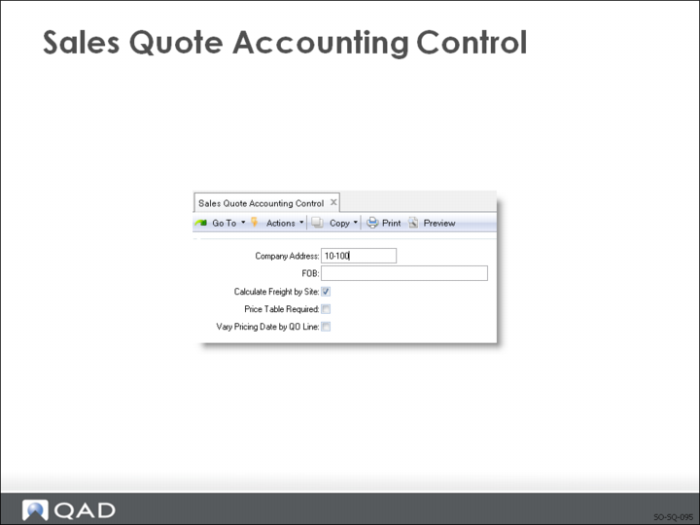
Company Address
Company Address you want to print on the top of the sales quote is set in Company Address Maintenance
Note: If using paper preprinted with your company name and address, set this field to blank.
F.O.B
Is the normal Free On Board (FOB) terms on sales order shipments
• Validated against predefined values entered in Generalized Codes Maintenance, if any
• The default FOB defined in Sales Quote Control is the default FOB on all sales quotes. It can be changed manually during entry of a specific sales quote
• Prints on formal printed quotes and is passed to the sales order when a quote is released
• Is for your information only
Calculate Freight by Site
Useful when different line items will ship from different sites.
Price Table Required
If you want to require a price list be used when creating quotes
• Price Table Required = Yes
• Then only items from an existing price list can be entered and only if the price list, item, unit of measure, and currency match
Vary Pricing Date by QO Line
Determines whether or not the pricing date can be modified for each line item on a sales quote
• During line item entry in Sales Quote Maintenance, a pop-up window displays with four fields related to pricing:
• Pricing Date
• Credit Terms Int
• Reprice
• Manual
• Yes = The Pricing Date and Credit Terms Int fields can be modified for each line
• No = these two fields cannot be modified
• the pricing date and credit terms interest specified in the quote header are used and cannot be changed
• The pricing date determines the effective date to use in searching for applicable prices for the line item
• The default price effective date for a sales quote header is determined by the setting of QO Default Pricing Date in Pricing Control
• This can be the quote date, due date, required date, or promise date
• Tells the system which date from the order header, the line due date or the order dater, to use when selecting line item prices from a price list