Deleting and Archiving Sequences
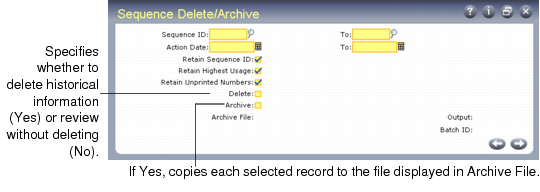
Use Sequence Delete/Archive (36.2.21.23) to delete sequences and associated history. You can optionally archive information to an external file and later restore it using Archive File Reload (36.16.5).
Once sequence history is deleted, it no longer appears on the Sequence History Report.
Sequence Delete/Archive (36.2.21.23)