Specifying User Groups
Group membership can determine whether a user is given access to menus, sites, and other system elements. The system always considers the user’s ID and any group names associated with the user for the current domain when allowing access to various functions.
Use groups to streamline security setup. Many users can belong to a single group; when a new user record is created, you can add the user to existing groups to ensure they have correct access.
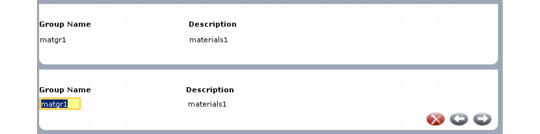
When Update Groups is Yes in the domain frame, the system displays a list of all the groups currently assigned to the user for the domain. Use the Group Name field to add groups, or press Delete to remove them.
Note: Groups must be defined in User Group Maintenance (36.3.4) before you can enter them here.
User Maintenance, Group Frame