QAD UI Administration
After you have built your UI configuration and completed the post-deployment steps, you can begin using the administration page.
To start the Administration page, point your browser to:
http://TomcatServer/qaduiConfig/admin/
The TomcatServer is typically TomcatHost:TomcatPort as in prcx06.qad.com:8080. The qaduiConfig is the name of the configuration.
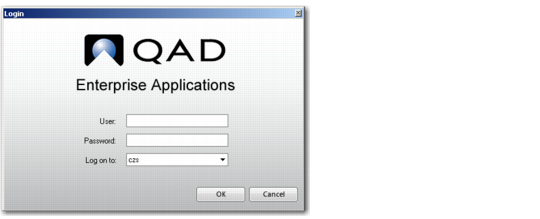
You are prompted to enter your user ID and password. You must have a valid user ID defined in User Maintenance (36.3.18; 36.3.1 in eB2.1) and be a member of the QAD UI Administration user group, by default qadadmin, to access this function.
Log-In Page
Once you log in, run the Connection Manager, which is a program in the Administration program group. Connection Manager options are described in
Administering Connection Manager.