Connect Source Database
1 Complete the Connect Database screen using the screen example and field descriptions below.
Connecting the Source Database
Physical Name
Enter the name of the source production or other database; for example, mfgsrc. Accept all other defaults.
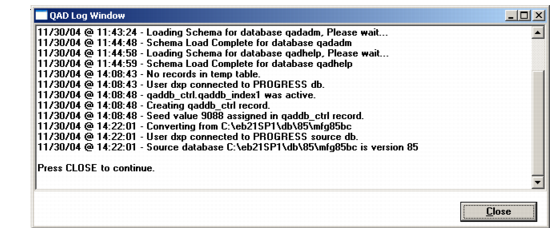
2 Choose OK. The source database is connected and the MFG/UTIL Log Window displays showing a successful database connection.
QAD Log Window after Source Connection
3 Choose Close.