Keyword Check
The purpose of this check is to check names and addresses for certain keywords; for example, bomb, nuclear, and military. If any of these keywords are found in the name and address of the partner, the check fails. The partner names and addresses checked for keywords are the same set of partners that the DPL check is configured to screen.
To set up and maintain keyword check:
1 Open option CK.
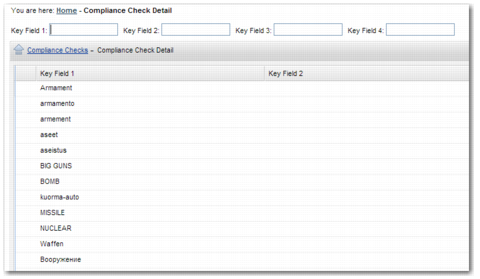
2 Select the keyword check and choose the Compliance Check Detail sub-option. Existing keywords are then displayed.
Compliance Check Detail
3 Create a new record.
4 In the Key Field 1 field, enter the keyword that you want to add.
5 To add the record, click Create.
Note: If you select the Warning only field, the keyword does not cause a compliance failure; a warning is displayed.