Manual Pass and Fail
The Manual Pass and Fail buttons allow a user—with relevant authority—to override the results of a compliance check. For example, you may want to manually pass a DPL failure after deciding that it is a false positive. Or you may decide that the keyword failure is not a concern. You may also want to manually fail a transaction. For example, you determine that a DPL failure is correct or a license was refused for an item to be shipped. You must override each individual failure within a check separately. For example, if you have five item lines and two items that fail, you need to pass both failures.
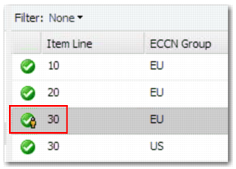
Manual Pass Symbol
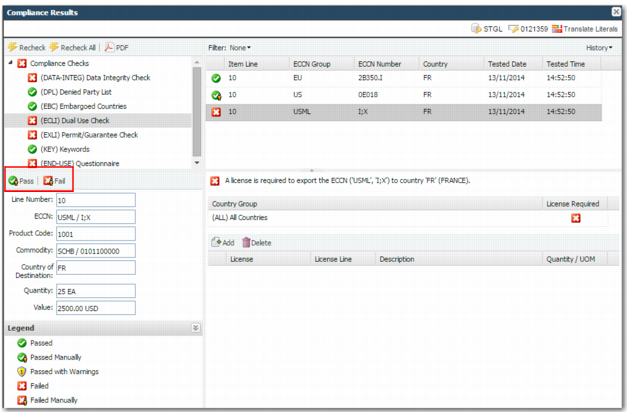
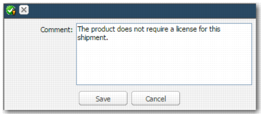
Select the result of a check to override in the top right-hand pane. Depending on the function you require, click Pass or Fail. A pop-up with a mandatory comment field displays. Update the field with the reason for the override. When you click Save, this information is saved along with your user credentials and the date and time. The icon changes to indicate a manual pass or fail.
Manual Pass or Fail
Manual Pass Pop-up
When you manually pass a DPL check, an additional field in the pop-up enables you to specify that the matches returned are false positives. Therefore, the party is not flagged as a failure in the future. However, if the party is later added to a Denied Party List, the party is then flagged as a failure during future screening.
Note: You cannot manually override the results of a questionnaire.