Demonstration Summary > How QAD ensures seamless integration
  

How QAD ensures seamless integration
Confirm Shipper in QAD
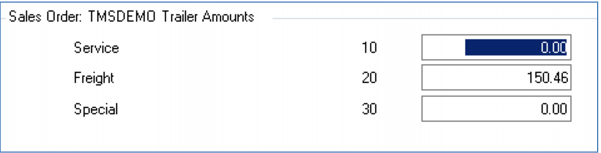
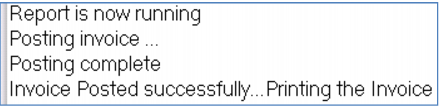
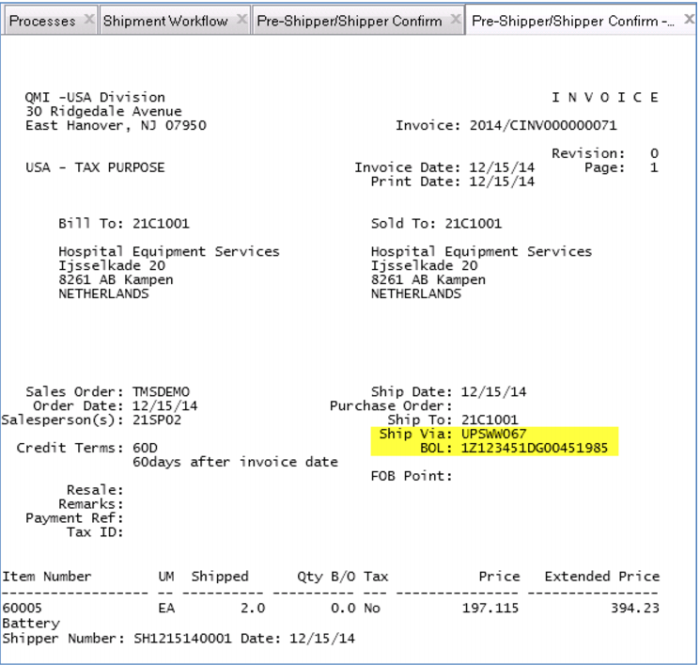
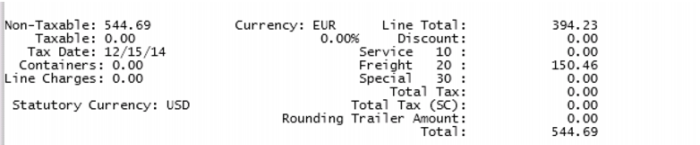
Once the shipping process is complete in TMS, we will confirm the shipment and optionally print and post the invoice. Here is the actual freight charge on the customer invoice along with the Bill of Lading.
Demo
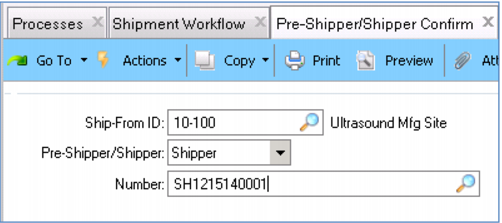
1. In Favorites, select Pre-Shipper/Shipper Confirm
2. Enter Ship-From ID 10-100, Pre-Shipper/Shipper Shipper, Number SH<date>0001
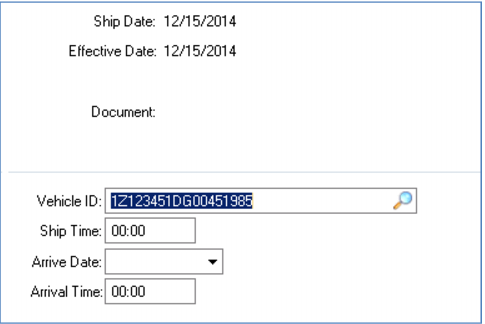
3. Click Next 2 times
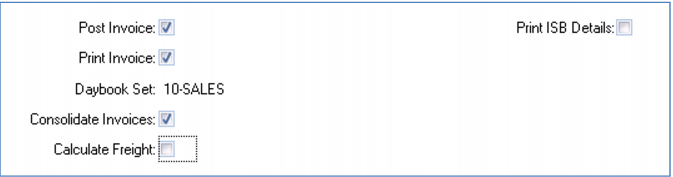
4. Check Post Invoice, Print Invoice
5. Uncheck Calculate Freight
 
 
6. Click Next
Note freight charge
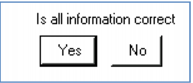
7. Click Yes
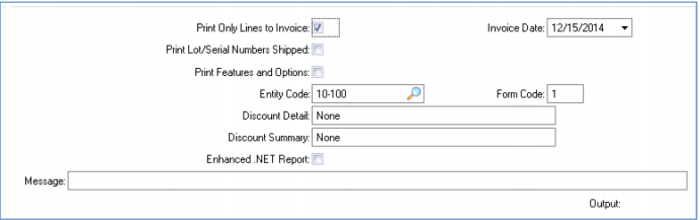
8. Check Print Only Lines to Invoice
9. Click Next
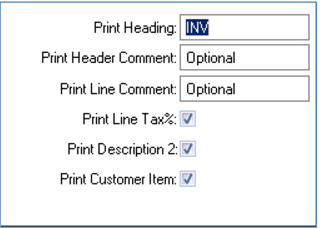
10. Enter Output printer
11. Click Next
12. Page down
Key Points
Standard shipment confirmation, invoicing processes