Customizing the BI Portal Logo
By default, the BI Portal displays the QAD logo. To change this logo, copy a similarly sized GIF image to TOMCAT_HOME\webapps\your_bi_appname\assets\logos\_logo.gif.
The directory TOMCAT_HOME\webapps\your_bi_appname\assets\logos\ contains a Precision logo for use by TMS customers. To display this logo instead of the QAD logo, copy TOMCAT_HOME\webapps\your_bi_appname\assets\logos\tms_precision.gif to TOMCAT_HOME\webapps\your_bi_appname\assets\logos\_logo.gif.
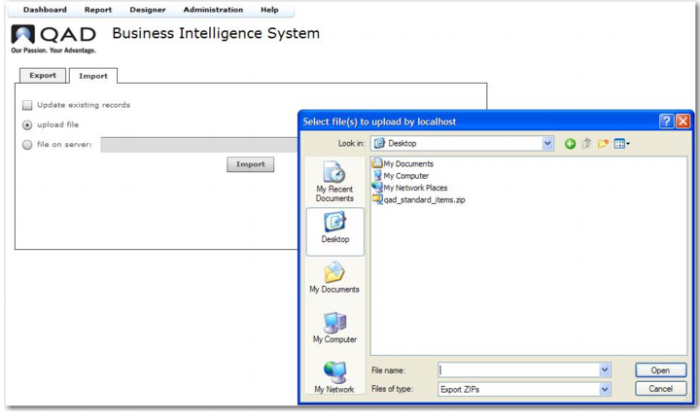
QAD Standard Items Zip
The items upload into the system. On completion, a message indicating that the items were loaded is displayed.
Repeat the import process for your module-specific qad_<module_name>_dashboards.zip and qad_<module_name>reports.zip files.
After importing the standard objects, log out and log in again to see them.