Transformation Tab
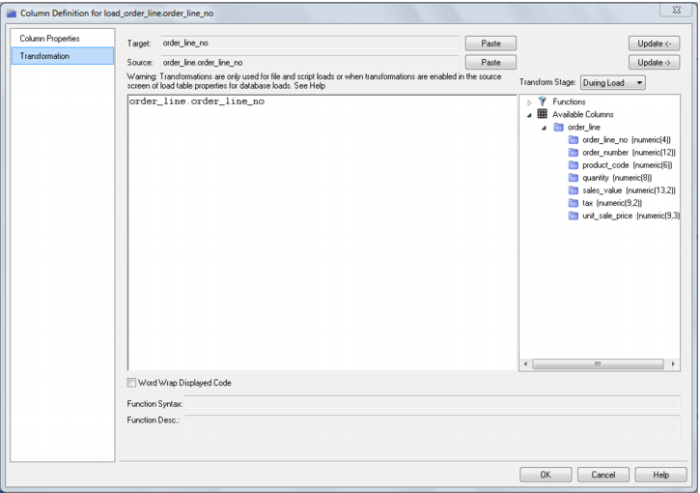
It is possible to do transformations on stage table columns. It is recommended that transformations are not performed on columns that are dimension keys or the business keys for the table. The transformation screen is as follows:
Stage Table Column Transformations
Each stage table column can have a transformation associated with it. The transformation will be included in the generated procedure and will be executed as part of the procedure update. The transformation must therefore be a valid SQL construct that can be included in a 'Select' statement. For example we could have a transformation of 'load_order_line.qty * 0.125' to calculate a tax column of 12.5%. Click the 'Transformation' tab to enter a transformation.
Note: Transformations are only put into effect when the procedure is re-generated.
See
Transformations (on page
569) for more details.
Set Merge Procedure
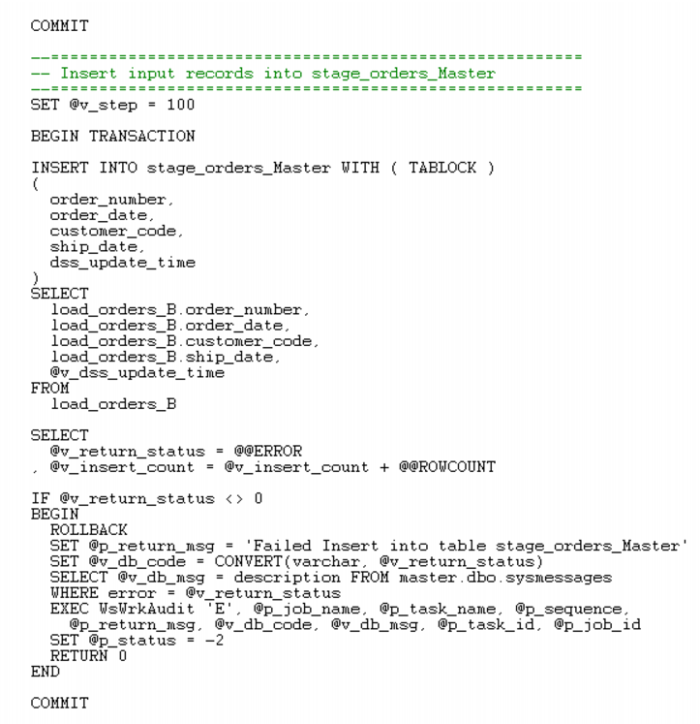
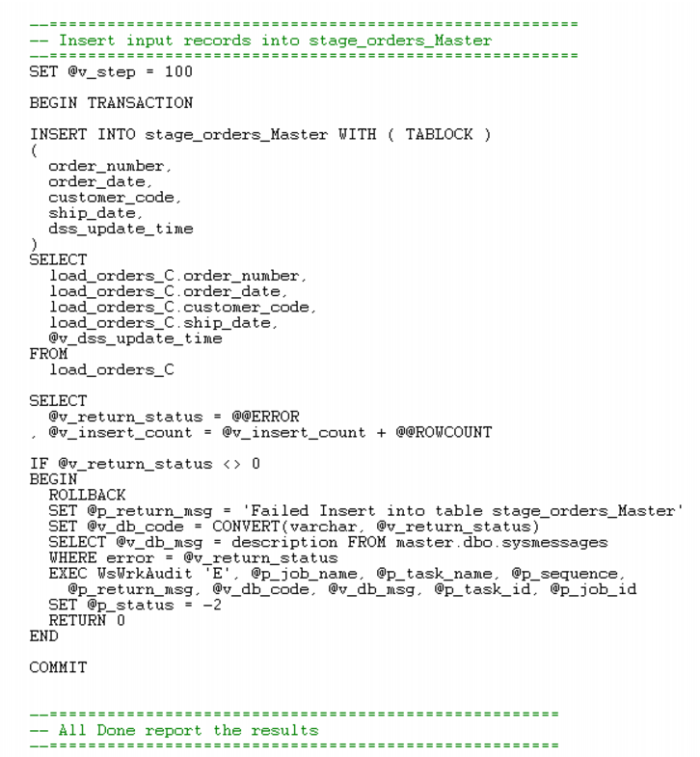
The set merge procedure type allows the merging of two or more identical tables. The tables to be merged must have exactly the same number of columns and column names. If necessary additional blank columns could be added to one or other of the tables to make them identical. To use this procedure you must simply have the tables to be merged mentioned at least once in the 'Source Table' field of a columns properties.
In this example, we will merge three load tables into a single stage table.
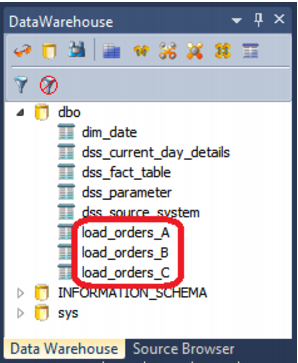
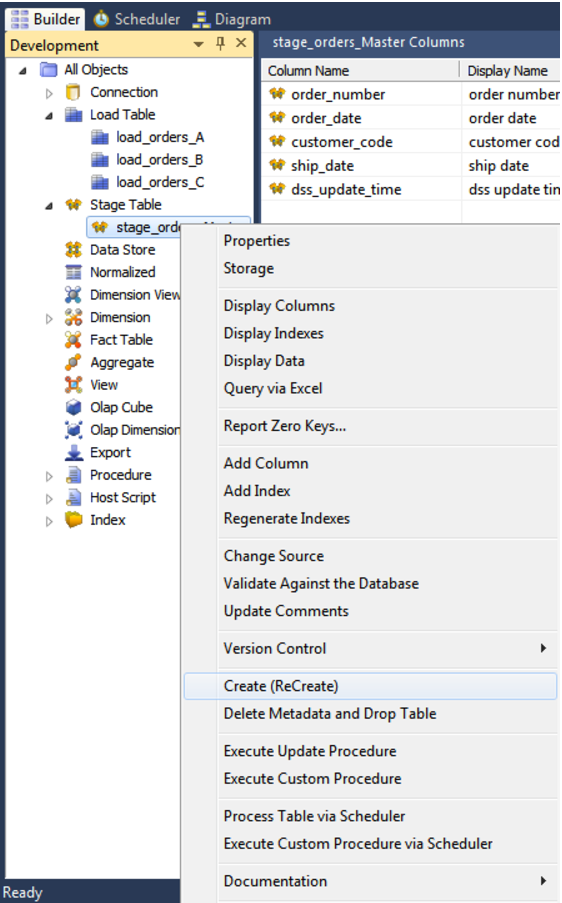
The browser pane shows the three load tables:
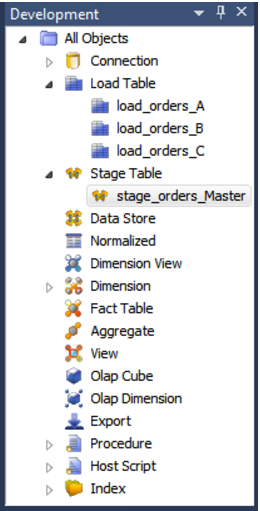
Double click on the stage table object group and then drag one of these load tables from the source pane, into the Stage Object work area. Name the stage table, for example stage_orders_Master.
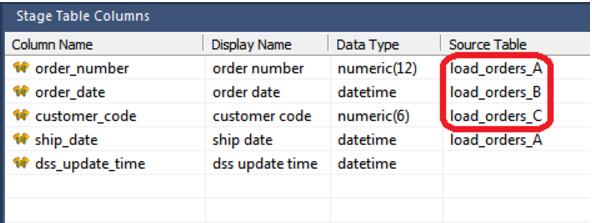
Next, modify the source table column to include one instance of each of the three load tables; the order does not matter. You can achieve this either by typing in the table directly, or by visiting each of the column properties.
Right click on the stage table and choose Create (ReCreate).
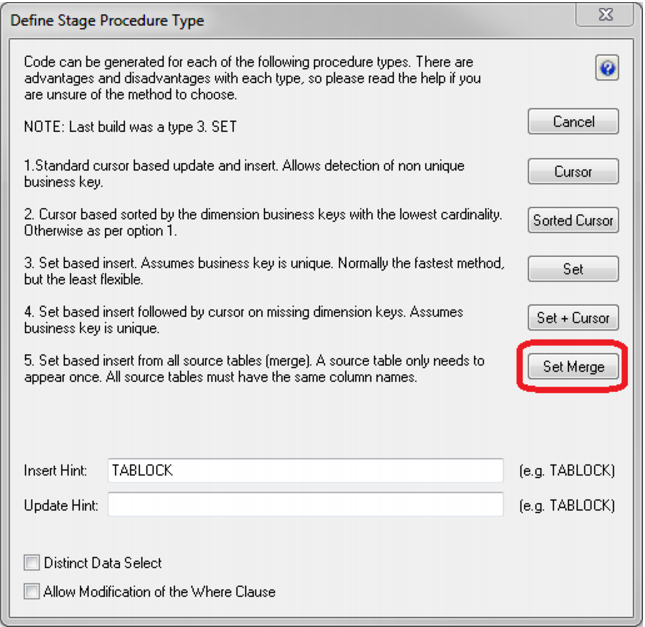
Double click on the stage table in the left pane to bring up the Properties dialog. Choose the Rebuild button to rebuild the stored procedure. Select Set Merge as the procedure type.
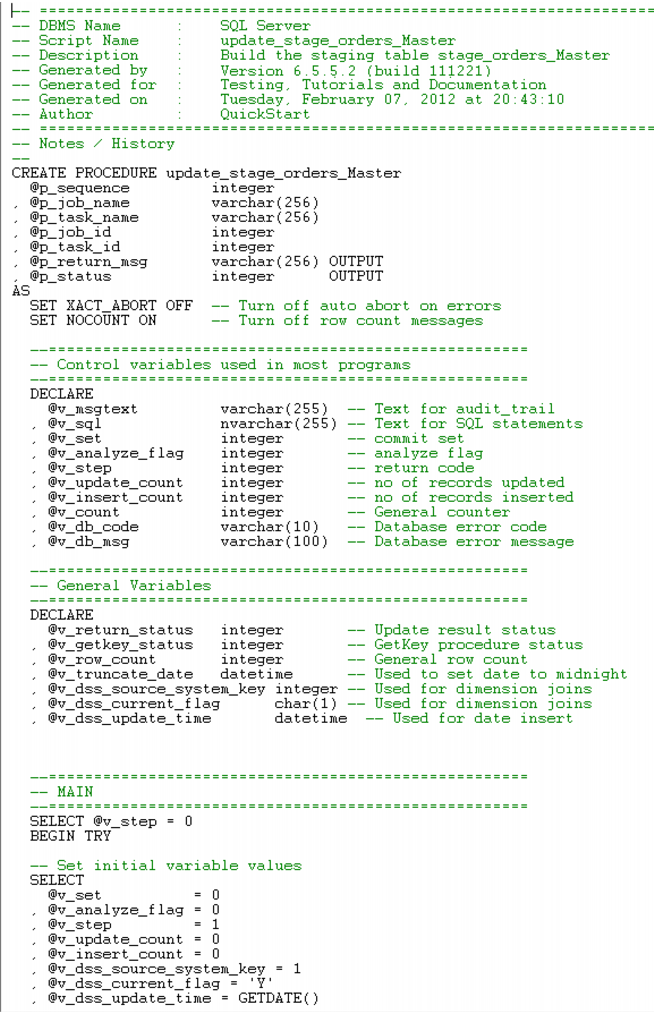
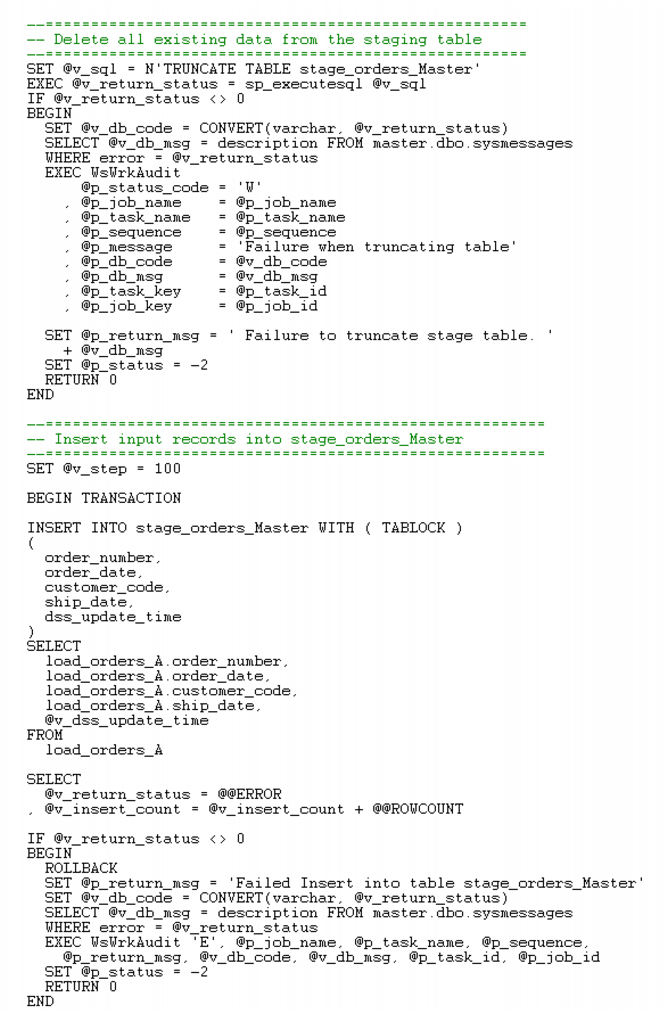
The stored procedure is rebuilt, as follows: