Create the 'Update' procedure
Right mouse on the KPI fact table name and select ‘Properties’. In the Properties dialog box set the update procedure list to the (Build Procedure...) option. When OK is entered this will initiate a series of dialogs to create a procedure used to update the kpi fact table.
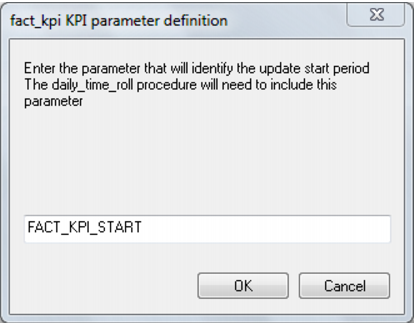
This first two dialogs ask for parameter names to define the start and end periods for which the KPIs will be updated. The default naming convention is fact_table_name_START and fact_table_name_END. Accept these default names if possible. These two parameters will need to be created, and will need to be updated once the KPIs have been defined and tested. Under normal operation these parameters should probably be set daily from the daily_time_roll procedure.
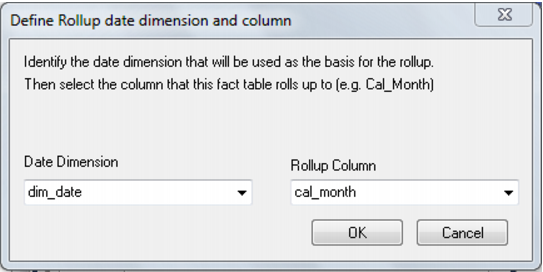
The date dimension and column for rollup is required. Normally this would be cal_month or fin_month. This is based on the assumption that most KPIs are monthly or annual. Subsequently a rollup year and date will be required from the same date dimension.
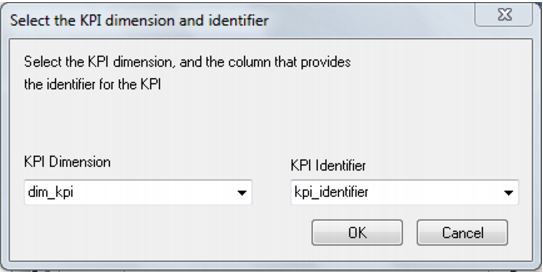
The KPI dimension is required. Also the identifier column (not the key) that uniquely identifies the KPI. This would normally be a number or short name (max 64 chars).
The procedure is then created and compiled.