QAD Customer Relationship Management
>
CRM Overview Demo Guide
>
Demonstration Summary
>
How QAD saves time and administrative cost
How QAD saves time and administrative cost
Customer Console
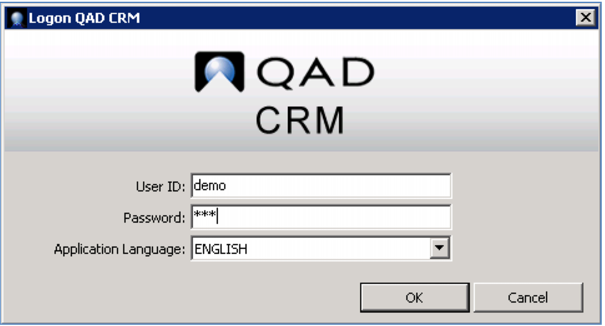
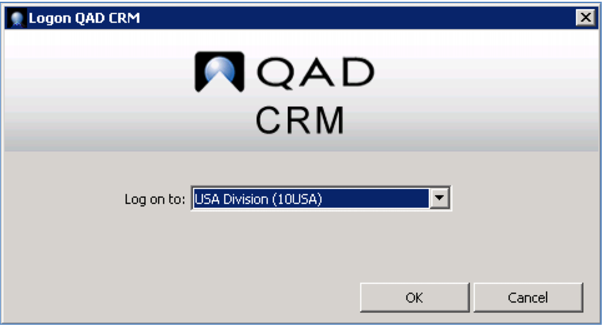
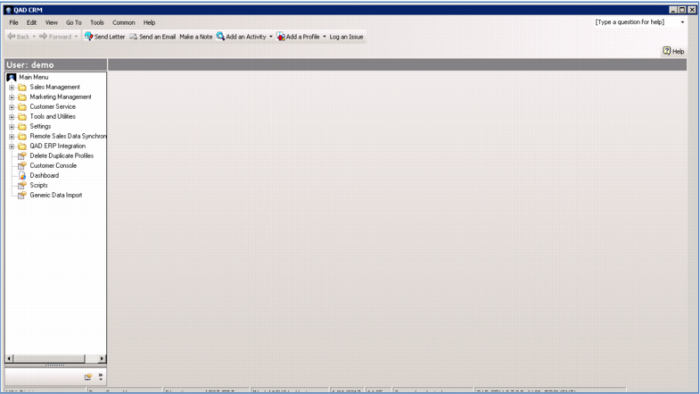
Open up a CRM session. Choose your language and specify your division.
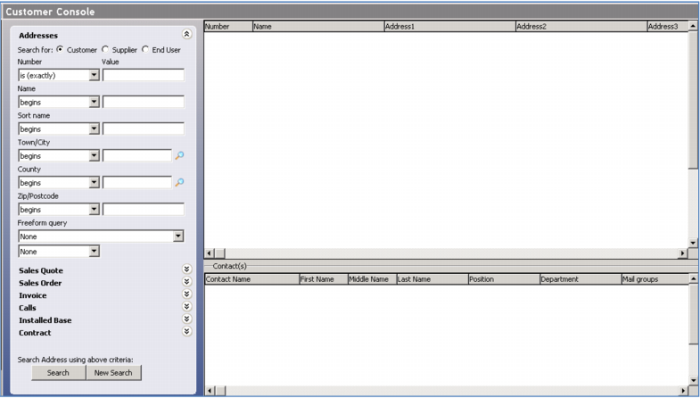
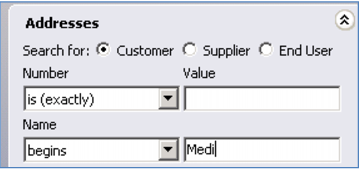
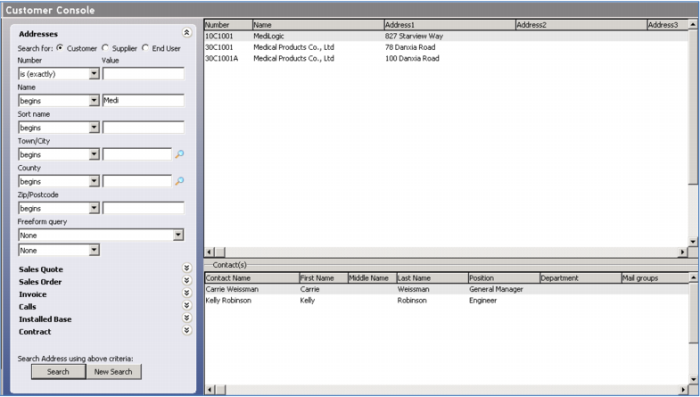
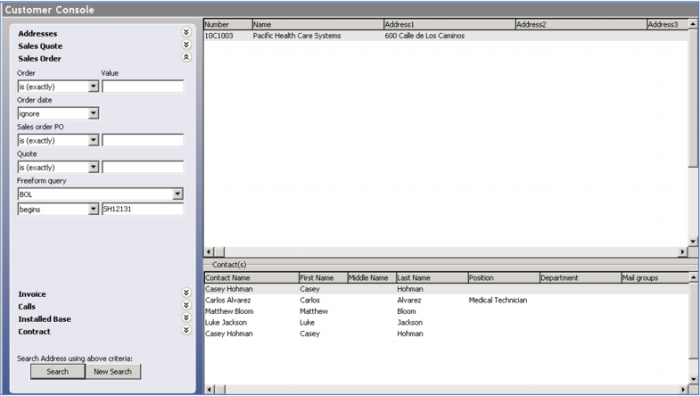
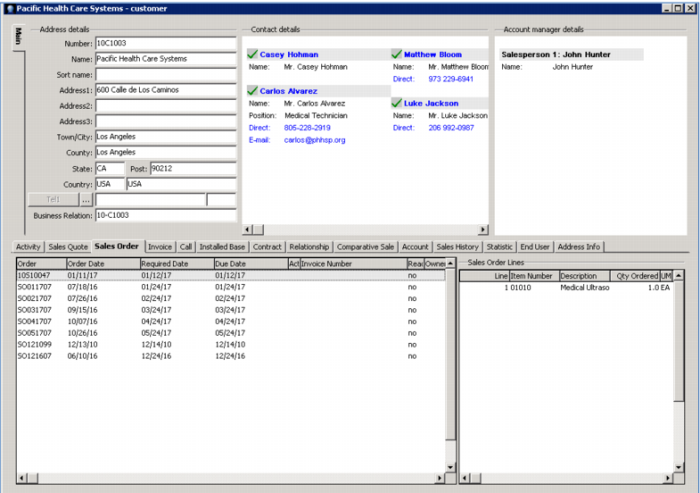
Begin with the Profile Manager. This is the heart of QAD CRM. You can find information on anything here… most often you’ll know some part of the company name or address, and search on that, but you can look up contacts based on sales or service information – for example, the serial number of any product. You can even do a free form inquiry – maybe all you know is the Bill of Lading number for a shipment and need to track it back to the customer!
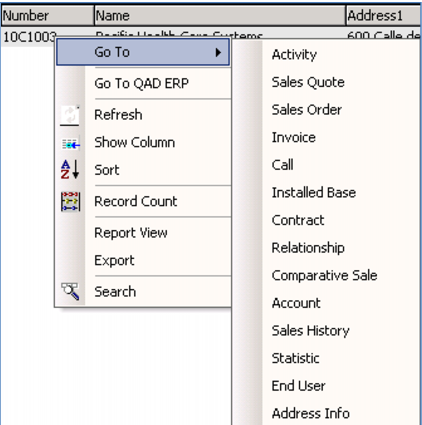
This gives you a single view into everything you might want to know about any lead or customer - company information, addresses & important contacts, quotes, orders and invoices, installed base information, sales history and more.
The system stores all of the information in one place, saving time and administration costs while making it simple for anyone on your team to access the information they need, when they need it, without spending time and effort tracking down information from other departments.
Demo
Key Points
• Central repository of all information
• Derived from sales, marketing, customer service and support
• Enables prompt knowledgeable response to inquiries
• Shows contacts (customers & leads), information & activities
• Quick access and simple navigation to contact information
• Cuts non-revenue generating administration time
• No need to track down information from other departments
• Prepare for calls or visits
• Show customer you understand and value their business