How QAD improves sales forecasting
Opportunity
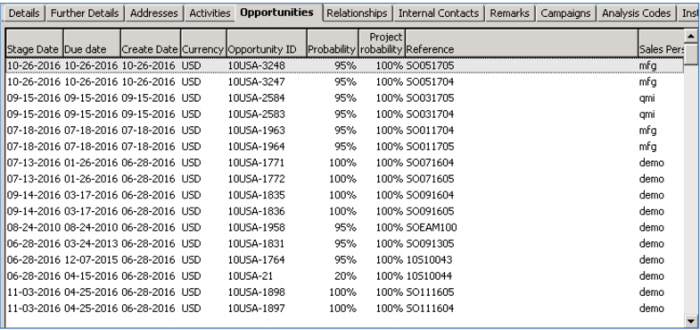
The customer you plan to speak with today had asked about accessory products, so you will likely want to record this as an open “Opportunity” on the sales funnel.
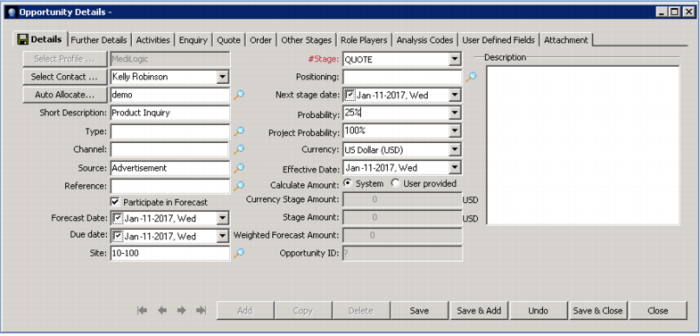
Enter all of the details about the opportunity, including the Source. You can use these fields for sorting and analysis. You can also enter a probability. Initial inquiries default to a low probability – 10% - but you can change this based on my confidence.
Demo
Key Points
• Track all new leads as opportunities
• Codes like Source used for sorting and analysis
• Probability reflected on weighted funnel reports