How QAD reduces administrative cost
Quote
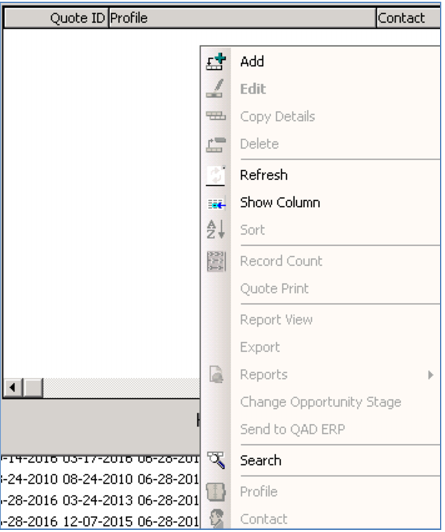
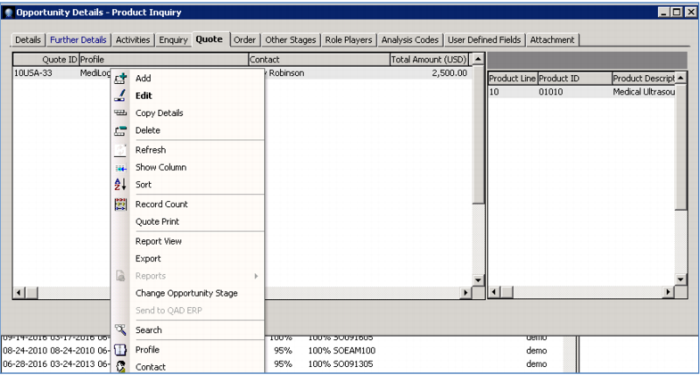
See how easy it is to generate a quote for your open lead - simply right click the opportunity, click the Quote tab and add a quote.
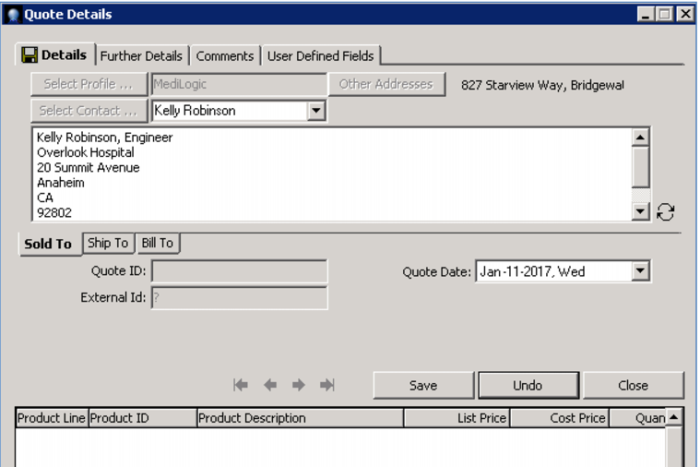
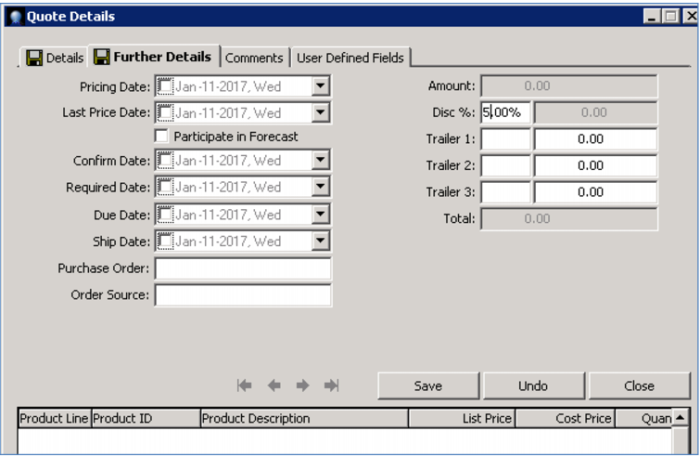
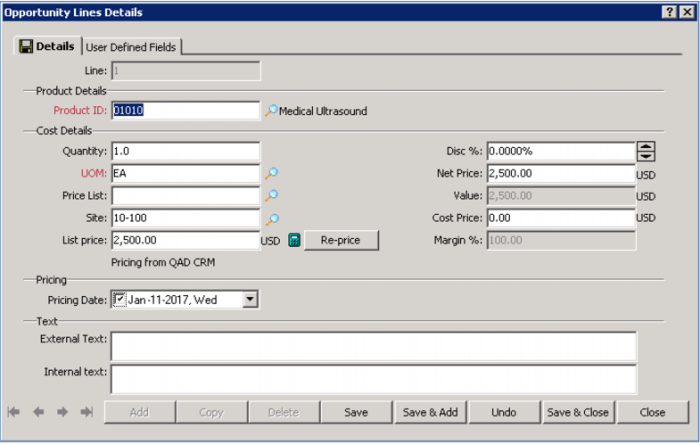
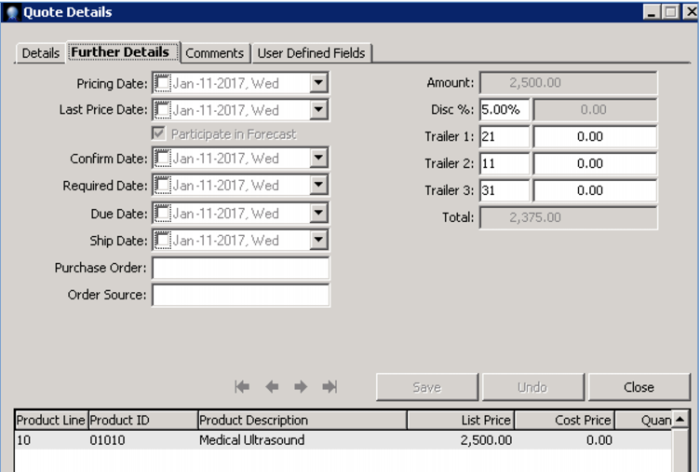
When you add a quote, you enter the same information as a regular quote done in QAD Sales Quote Maintenance – shipping and billing information; pricing; discounts and extra charges; dates required, ship and due; and complete product information - all without the assistance of a sales admin.
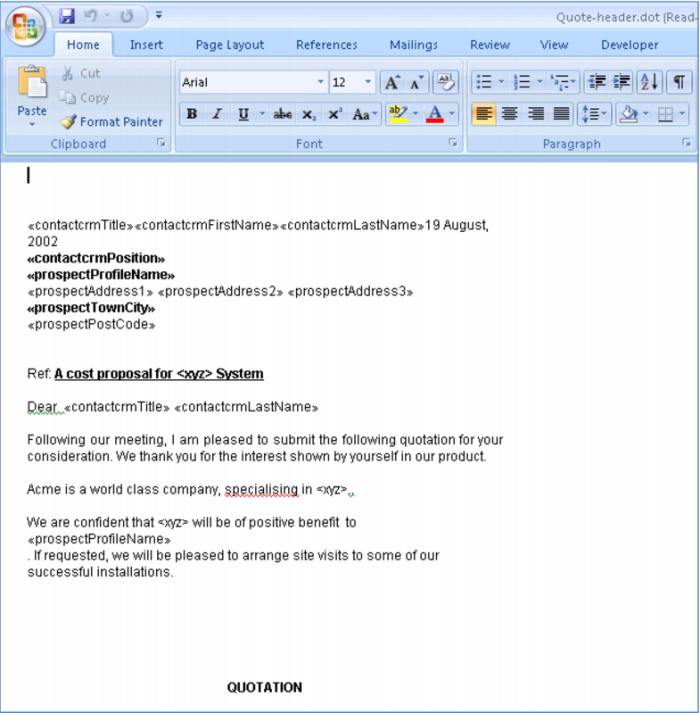
You can print a copy of the quote, on paper or electronically, and send it to your prospect. The quote will be automatically entered into your sales pipeline and it will be visible throughout the system and on this contact’s history including everything that you have negotiated – products; discounts or special offers; terms and conditions.
Demo
Key Points
• Easy to enter a quote; Same info as Sales Quote Maintenance (typically done by sales admin)
• Print or electronic copy, Customize and send to prospect

 icon, select Quote-header.dot
 icon, select Quote-lines.dot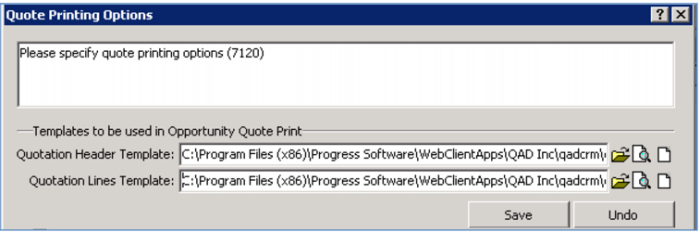
 icon
icon