How QAD improves forecasting
Opportunity Reports
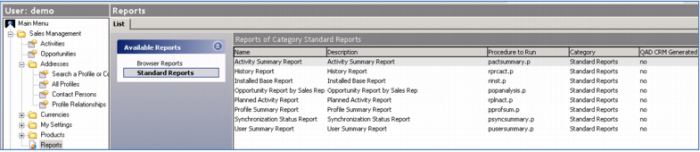
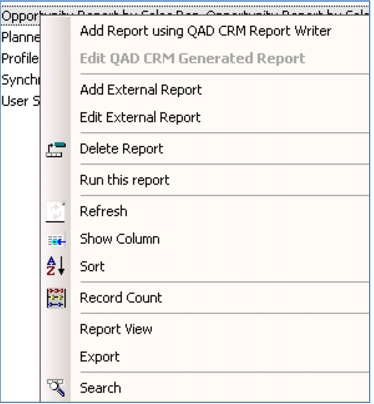
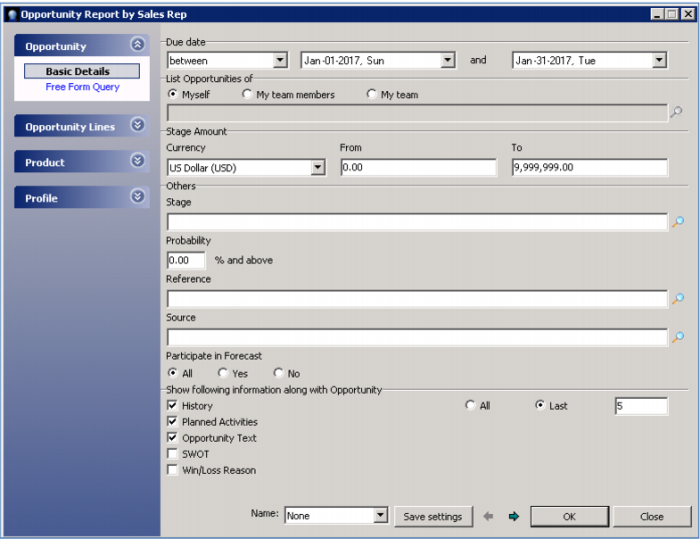
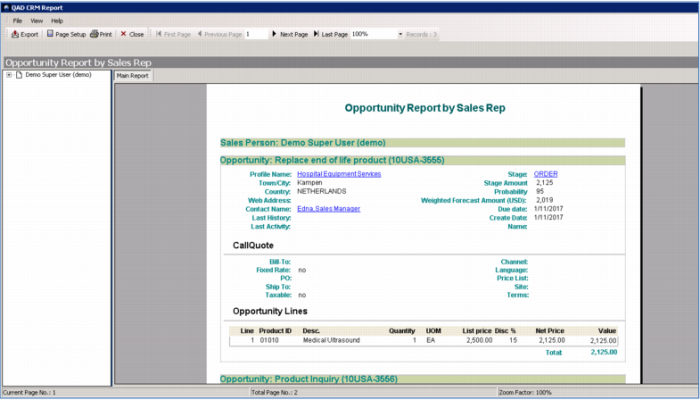
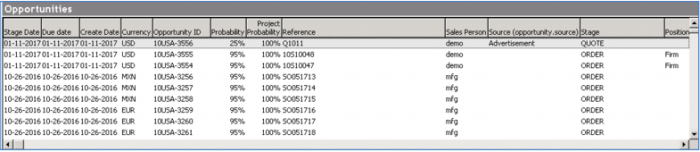
There are many reports available in the system – let’s take a look at one that shows open opportunities by sales rep. Note how this report shows the open opportunity, by Stage, and gives you a weighted potential – that’s the probability multiplied by the forecasted (or quoted) amount.
This kind of report is typically most useful to sales management when determining sales forecasts.
Demo
Key Points
• Sales rep can review open activity
• Sales manager can look at open activity
• Weighted potential = Probability times forecasted (or quoted) amount
Lead Tracking
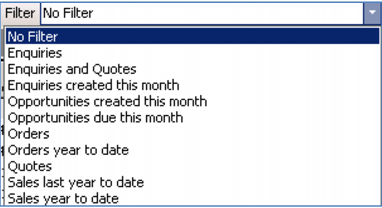
Here’s another handy way to look at Opportunities. As a salesperson, you have visibility into your entire pipeline – filtered to show the opportunities, sorted by the stage they are in, deal value, and more. You can easily adjust any of the details – perhaps changing the probability, adjusting the dates, sending a quote or generating to order.
You can also see my performance to target… have you achieved your forecast? Did you close the business when you thought you would? This is all available for you and sales management to ensure the most accurate forecasts.
Demo
Key Points
• View entire pipeline
• Filter - Stage, Deal Value, Probability, Dates
• Change any details
• Send a quote or order
• See performance to target