How QAD reduces cost and eliminates errors
ERP Integration
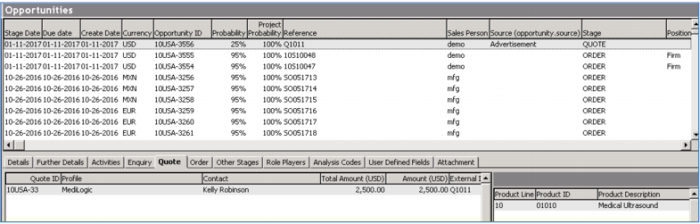
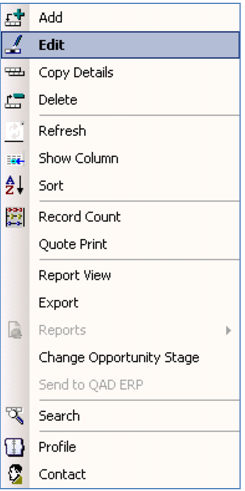
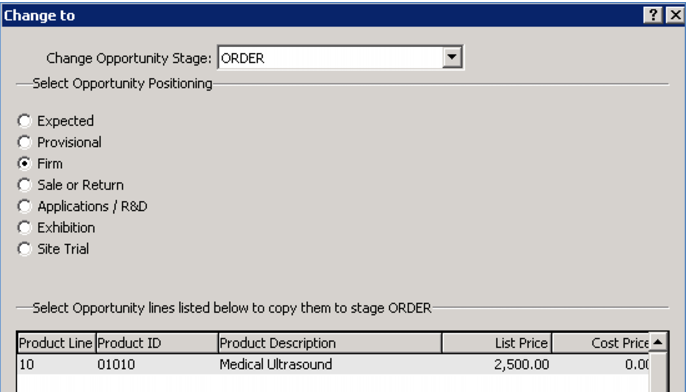
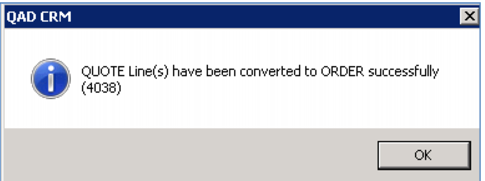
You can automatically release quotes to create sales orders. When you contact the prospect to follow up on the quote, you can review all of the original quote information and records of any discussions. At that point, you can send out a revised quote, change your probabilities and/or generate an order.
Notice once again here you do not need to involve any administrative staff. You simply take your original quote and turn it into an order – minimizing delays and maximizing the productive time you have with your customer.
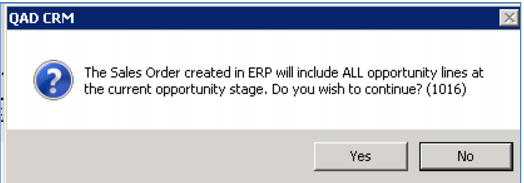
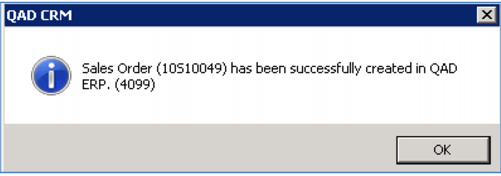
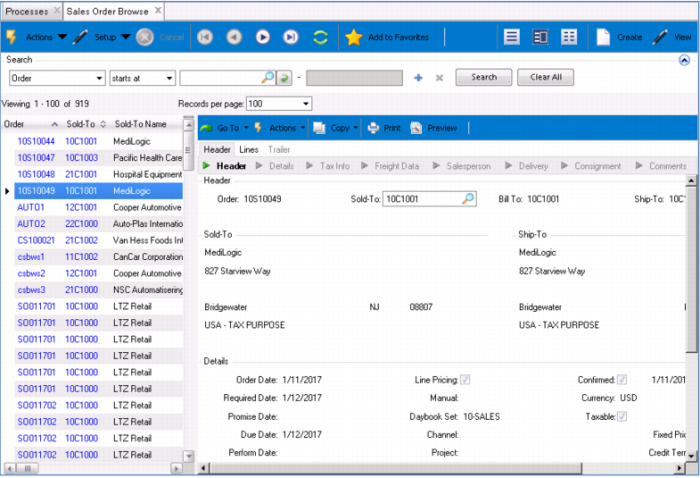
You can automatically send confirmed orders to your QAD Enterprise Application – kicking off all of the required manufacturing, shipping, and invoicing activities there. Note that you have control over what you send – see the “Send Order to QAD ERP” selection on the bottom left of the screen. This can be set as a default, but manually controlled if needed.
Demo
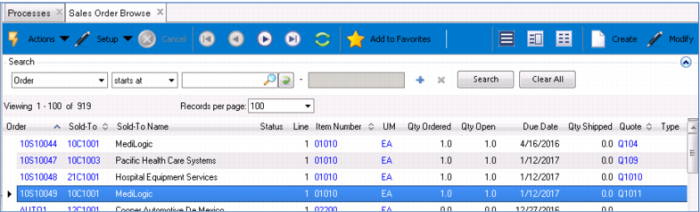
Note the External ID (that is the order number)
Key Points
• Generate Order from Quote, No need for admin
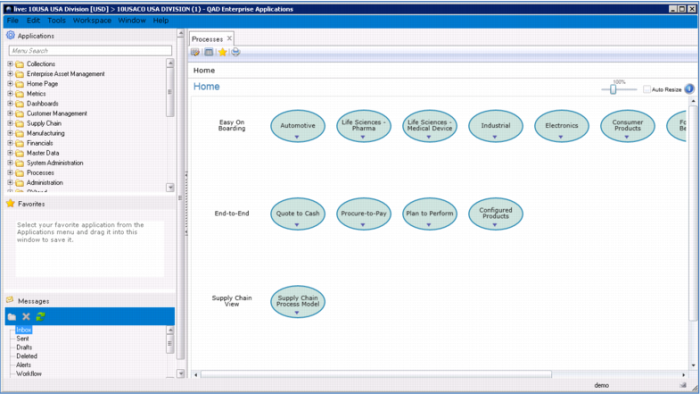
• Updates QAD Enterprise Application – standard order and shipping processes
• Send Order to QAD ERP – option can be set as default, but changed as needed