Using the Event Viewer
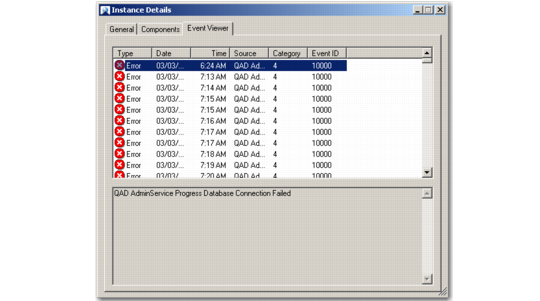
Use the Event Viewer to view the event log for defined jobs related to a selected instance. To access the log, click the Event Viewer tab of the Instance Details screen on QAD ADS.
Event Viewer
Choose the type of events you want to display here through the Create Event Log field of the Jobs screen in QAD CRM. The viewer currently displays Error and Information type events. To refresh data in the event viewer, right-click and choose Refresh.