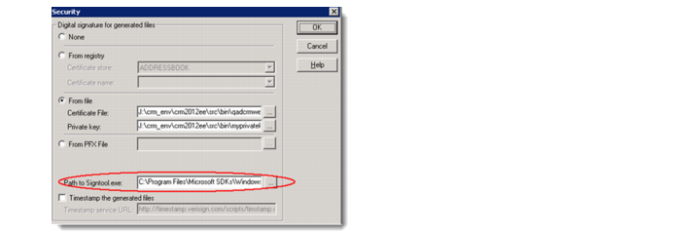
Preparing Signing Tools
To make the signing tools available for WebClient Application Assembler:
1 Install Microsoft Windows SDK on CRM deployment server.
You can get the latest installer from the Microsoft site. If you do not perform a full installation, make sure that you install signtool.exe and pvk2pfx.exe.
2 Set one of the following environment variables to identify the location of the tools:
• %WindowsSDKDir%: Identifies the Windows SDK installation directory.
The WebClient Application Assembler looks for the signing tools in %WindowsSDKDir%\bin.
• %OE_SIGNING_DIR%: Used when you have more than one Windows SDK installed or when setting the %WindowsSDKDir% environment variable conflicts with other applications.
For information about setting environment variables, see
Setting Environment Variables.
3 Verify that the right environment variable is set.
For Windows Server 2008 and 2003:
a Click Start|Run
b Type cmd and press Enter.
c In the command window, enter set and press Enter.